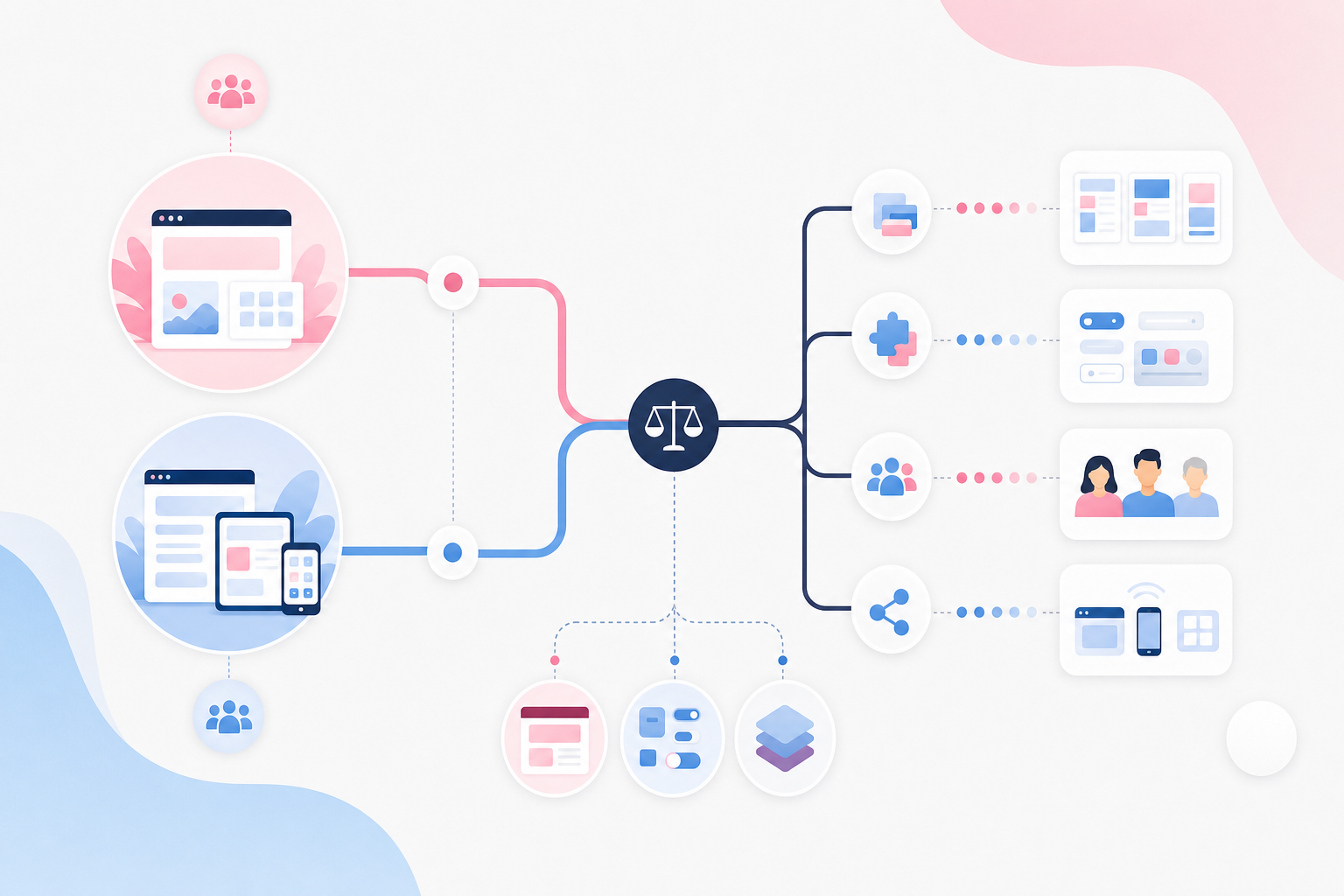
A page builder can give editors considerable freedom, but it can also lead to inconsistent pages, plugin dependency, and higher maintenance costs. We compare Elementor with Gutenberg and controlled blocks based on what businesses actually need after launch.
When a web agency demonstrates how easily a heading can be moved a few pixels in Elementor, the solution appears both fast and flexible. But the choice between Elementor or Gutenberg affects more than the next launch: it determines how easily editors can introduce inconsistencies, how extensive a future redesign will be, and what the company can maintain after changing agencies. For an SME owner, the real question is therefore not which editor has the most features, but which freedoms the business will actually use and pay for. This article provides a practical way to compare the options based on publishing time, design consistency, the cost of changes, and vendor lock-in.

Elementor pays off when pages genuinely need to be different
The straightforward answer is that Elementor is suitable when layout variation creates business value. A marketing team that regularly publishes campaigns, temporary offers, and visually distinctive landing pages can combine sections, columns, backgrounds, widgets, and mobile adaptations without waiting for a new page template to be added to the theme. In that situation, the flexibility supports faster communication and testable campaign ideas rather than merely moving decorative details.
Maintenance costs arise when local design decisions start being stored in individual widgets. If heading sizes, colours, or spacing have been adjusted separately across many pages, the next redesign may require each page to be audited and corrected individually. The work becomes difficult to estimate because two components that look identical may still have different settings beneath the surface. Elementor is therefore not expensive simply because it is a WordPress page builder; the cost is driven by how much of the design is allowed to become page-specific.
This is how we would assess the value: map the proportion of planned pages that genuinely require a custom composition and compare it with the number of recurring page types. Then ask the agency to build an unconventional campaign page in the demo while also showing how Site Settings, global colours, global fonts, and reusable templates prevent unintended variations. The demonstration should also cover a widget's local margins and responsive settings, as this is often where future exceptions begin to accumulate.
Controlled Gutenberg blocks make consistent publishing easier than free-form design
The contrast is clear: Gutenberg is at its strongest when editors select a content structure instead of designing every area. A service section could, for example, offer the options “light or dark version” and “image on the left or right”, while typography, spacing, and mobile behaviour are managed centrally. Editors then make decisions that are relevant to the message without having to understand breakpoints, CSS, or every rule in the design system.
Block patterns provide ready-made combinations for elements such as service introductions, testimonials, contact options, and fact boxes. Block locking can protect the critical structure, allowing text and images to be changed while preventing the button from being dragged out of the section. With theme.json, the theme controls which colours, fonts, and spacing options are available in the editor. The result is fewer visual exceptions and therefore less work when the company's brand identity needs to be updated centrally.
However, the maintenance benefits do not come automatically with the WordPress block editor. If the agency enables every core block, unrestricted colour choices, and arbitrary spacing, Gutenberg can become almost as inconsistent as a freely configured page builder. A better basis for evaluation is to ask real editors to complete common publishing tasks and observe how long they take, where they ask for help, and which design inconsistencies arise. This makes the editorial experience measurable without confusing a large number of features with high usability.

Vendor lock-in only becomes visible when part of the solution disappears
An attractive editing interface reveals very little about how portable a website is. Elementor stores layout and presentation in the page builder's own structure, which means that removing the plugin will not normally leave behind a complete page with the same appearance. The text and images may still be retrievable, but the composition will often need to be rebuilt. A standard theme change and a move away from the page builder itself are therefore two different projects.
Gutenberg can reduce dependency when the website primarily uses WordPress core blocks, standardised HTML, and a documented theme. However, custom Gutenberg blocks can create equally significant technical dependency if they are undocumented or tightly coupled to the agency's code. The distinction between static and dynamically rendered blocks also matters: saved HTML may remain in the content in some solutions, while a dynamic block may lose its visible presentation when the code that renders it is removed.
The first thing we examine is therefore not the editor's logo, but the chain of dependencies. Request a component inventory that distinguishes between WordPress standards, third-party plugins, the theme, and agency-specific code. Then conduct an acceptance test on a staging copy by exporting a typical page and disabling the solution-specific component. Document what is still displayed, what remains editable, what turns into difficult-to-interpret metadata, and what disappears completely. This test provides a much better basis for estimating future costs than a general promise that the website is “built on WordPress”.

Elementor or Gutenberg—which is right for the business?
The difference is less about which editor offers the most controls and more about how varied the pages need to be, how safely employees should be able to publish, and what remains if a theme, plugin, or agency relationship disappears.
Elementor Pro
Elementor Pro combines free-form page building with features such as Theme Builder and central design settings. It can be justified when the marketing team needs to create visually distinct variations without commissioning development for every new page type.
- Landing pages, campaign pages, and other unconventional page types can be built without developing every composition from scratch.
- Editors gain extensive control over columns, spacing, backgrounds, and adaptations for different screen sizes.
- Unrestricted settings can lead to inconsistent typography, uneven margins, and different mobile behaviours if templates and permissions are not controlled.
- When Elementor is removed, the layout and presentation normally disappear, making a future migration more extensive than a standard theme change.
Best for: Companies that frequently produce visually distinct campaign and landing pages and have designated people responsible for templates, design systems, and quality assurance.
WordPress block editor with block patterns and locked templates
The built-in block editor is a strong Elementor alternative when content follows recurring structures and editors need to publish without also becoming designers.
- Approved block patterns for elements such as hero sections, fact boxes, and contact sections make it easier to publish correctly.
- Dependency can be kept relatively low by using WordPress core blocks, standardised HTML, and a well-documented theme.
- Editors have less spontaneous freedom when each page requires a unique composition or precise visual adjustments.
- A good experience requires initial work on global styles, block patterns, template locking, and testing.
Best for: Companies with recurring page types, multiple editors, and a greater need for consistent publishing than for unrestricted design.
Gutenberg with ACF Blocks
ACF Blocks allows the agency to create controlled components in which editors complete specific fields for headings, images, links, and design variants. The layout's HTML and visual rules remain outside the day-to-day editing process.
- Clear fields reduce the risk of editors accidentally changing the underlying structure or creating their own design values.
- The solution provides control over HTML, design, and permitted choices within the standard WordPress editing workflow.
- The website becomes dependent on ACF, the blocks' source code, and the documentation; dynamic blocks may stop appearing if the implementation is removed.
- New layout requirements are more likely to require development or extensions to the blocks, reducing the marketing team's ability to make spontaneous changes.
Best for: Organisations that prioritise a highly controlled editorial experience and accept the need for development work to maintain a consistent design system.
Choose Elementor when layout flexibility is used frequently and provides clear business value. Choose controlled Gutenberg when most pages follow recurring patterns. Regardless of the option, vendor lock-in should be assessed through a practical deactivation test rather than simply asking whether the solution is built on WordPress.
How to choose a solution that still works after changing agencies
-
Map your page types before choosing a page builder
List the company's actual page types in a spreadsheet, such as the home page, service pages, case studies, campaign pages, articles, and the contact page. Mark which ones follow a recurring template and which require a unique composition. A large number of genuinely unconventional pages may justify Elementor and Theme Builder, while a high proportion of recurring content supports the case for controlled blocks.
-
Ask the agency to demonstrate a common publishing task
Have an actual editor create a service page, replace an image, and add a call to action in the test environment without verbal assistance. Observe both how long it takes and which decisions the person is forced to make. Gutenberg should provide block patterns, locked structures, or clear ACF fields; in Elementor, editors should ideally not need to manage margins, fonts, or responsive settings for standard pages.
-
Require a design system instead of unrestricted design
In Gutenberg, theme.json, block locking, and synced patterns can control colours, typography, spacing, and permitted blocks. In Elementor, Site Settings, global colours, global fonts, and reusable templates serve the same purpose. Ask the agency to show how a central change is applied throughout the website, as this reveals whether the design system is genuinely shared or merely described in a manual.
-
Run a deactivation test on a staging copy
Use a staging environment from a provider such as Kinsta, WP Engine, or InstaWP and deactivate Elementor Pro or the plugin containing the agency's custom blocks. Check whether text, images, and links remain accessible, which templates stop working, and whether the content is left as standard blocks, shortcodes, or difficult-to-interpret metadata. The test must be performed on a copy, never as an experiment on the live website.
-
Include transferability in your proposal comparison
Ask each agency to specify the theme, plugins, licence owners, custom-developed blocks, source code, and documentation that will be handed over. The company should also receive an administrator account, access to the Git repository when custom code is used, and a content export through WordPress Tools or WP-CLI. This allows vendor lock-in to be assessed based on what a new partner can realistically continue to operate.
Do not choose Elementor or Gutenberg solely based on which editor looks easiest in a demo. Start with how varied the pages need to be, how often employees publish, and what remains if the current agency's theme, licences, or custom plugin disappears. An experienced team begins with the page types, the editors' actual tasks, and a deactivation test; this is also how we at FLAR AB would approach the decision to balance freedom of action with reasonable future maintenance costs.