A design system can make a website faster to develop, but it is not automatically a profitable investment for smaller businesses. We compare full-scale design systems, UI kits, and page templates based on cost, publishing frequency, and maintenance requirements.
A website with 80 pages can work perfectly well with six clearly defined page templates, while a 20-page site may need a full-scale design system if the interface is also used in a customer portal, app, and digital sales presentations. When procuring a design system for your website, the scope should therefore be determined by reuse, not by how impressive the supplier’s component overview looks. Choosing the wrong level either creates a high initial cost for documentation and governance that nobody uses or recurring expenses when inconsistent pages and custom solutions have to be corrected later. This guide helps SME owners and marketing managers choose between page templates, UI kits, and design systems based on actual publishing needs and three years of maintenance.

What is a design system?
A design system is a shared set of visual rules, coded components, usage principles, and workflows that enables multiple teams to build consistent digital interfaces. It differs from a page template, which determines how a service page or case study should be structured, and from a website UI kit, which primarily brings together reusable buttons, form fields, cards, icons, and typography styles.
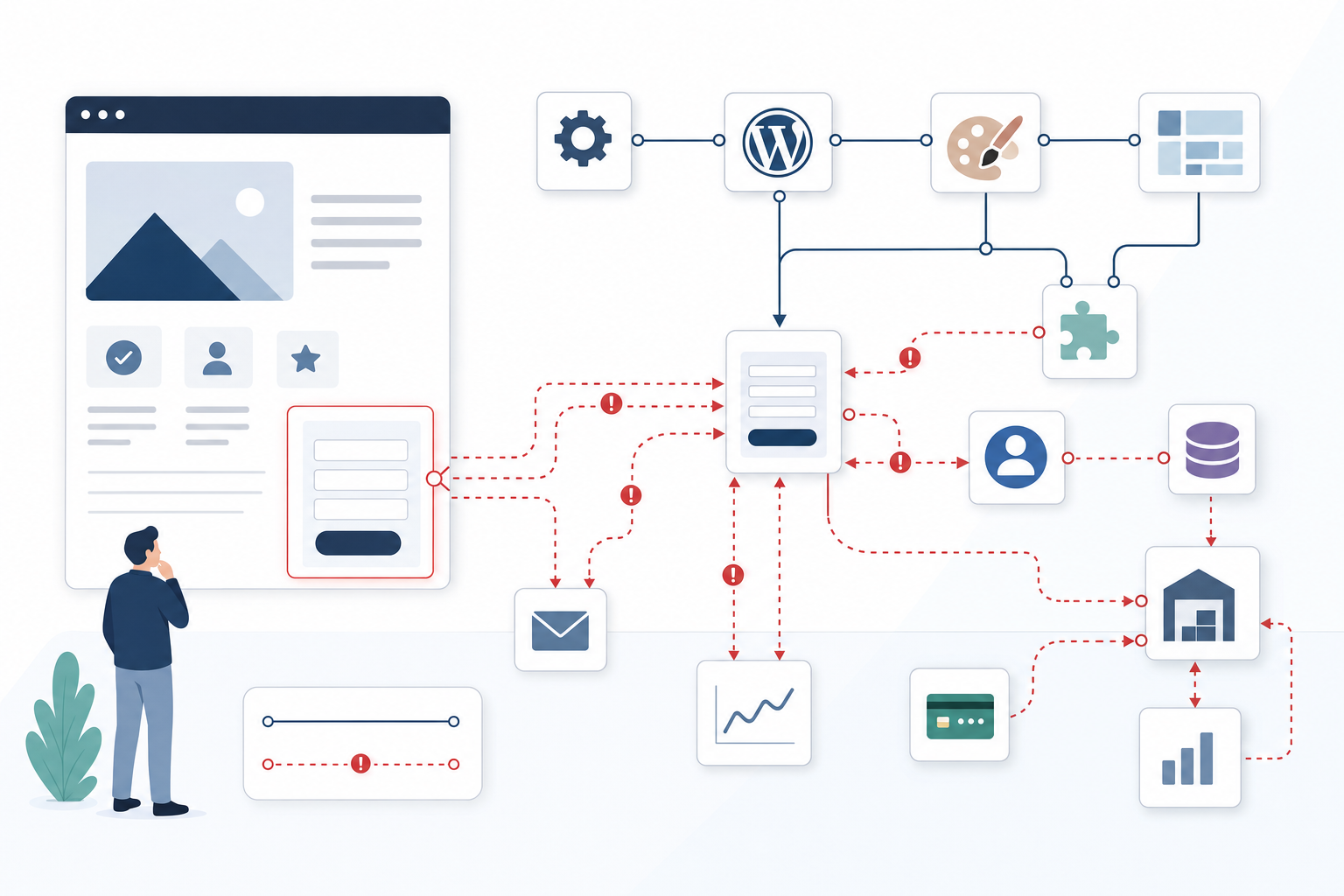
A full-scale system normally includes design tokens for colour, typography, spacing, and responsive breakpoints, coded components in frameworks such as React, accessibility requirements, documented usage rules, version control, and a process for proposing changes. A component overview in Figma is therefore not enough: if the coded button in Storybook behaves differently from the design file, or if WordPress editors can create combinations that have never been tested, there is no coherent system even if everything looks consistent in the presentation.
When is a website design system justified?
A full-scale design system becomes economically viable when the same building blocks are used frequently, by multiple teams, and across several digital products. A site with few public pages can therefore have a significant need for a system if the customer portal, mobile app, and internal sales tools share forms, tables, navigation, and brand rules, because an improvement can then be developed and quality-assured once rather than several times.
If the business instead has a WordPress marketing website, a few stable content types, and a team that mainly publishes new copy, robust templates often deliver a better return. The middle ground is usually a coded UI kit with around 15–25 core components, supplemented by clear page templates and basic rules for accessibility, responsive design, and branding. This provides reuse without requiring the business to fund a separate documentation platform and a complex governance model.
Page count matters less than the number of recurring content variations
Three hundred news articles do not create three hundred design problems if they all use the same article template with a heading, introduction, image, body copy, and related content. Ten product pages, however, can create far greater complexity if they contain different comparison tables, filters, pricing logic, calculators, and purchasing flows that must work across multiple screen sizes and meet accessibility requirements.
Map page types, component variations, and user flows before counting URLs. A service page with three permitted content sections is a stable template, while a product card that must support four pricing formats, three campaign modes, optional images, and different CTAs across the website, portal, and app is a component family that requires documented rules and testing. A web component library is suitable when buttons, forms, cards, and typography need to be reused consistently, but the need does not yet justify a complete process for governance, version control, and coordinated releases.
More editors make content rules more important than additional components
A design system does not automatically prevent inconsistent headings, incorrect image formats, or pages built from arbitrary blocks. Two experienced editors can often manage a flexible block builder, while ten people who publish occasionally usually need stricter controls to avoid creating four campaign headers, duplicate contact routes, and CTAs that compete for the visitor’s attention.
A practical service page template might require an introduction, offer an optional proof section, always end with a fixed contact module, and allow no more than one primary CTA. In WordPress, this can be achieved with locked block patterns, defined image formats, and restricted block choices instead of an unlimited Gutenberg library, reducing both publishing time and the risk of pages losing enquiries because of an unclear structure. AI-assisted content production makes governance even more valuable in 2026, because drafts and landing pages can be created faster but can also multiply shortcomings in tone of voice, heading hierarchy, and component usage. At the same time, appoint an owner who can approve new components. Without that role, even a well-built system quickly grows into an archive of almost identical cards, teasers, and form fields that all have to be tested and maintained.

Calculate three years of maintenance before procuring a full-scale design system
The initial quote rarely shows the full cost, because a living design system requires an audit, design, development, accessibility testing, documentation, training, and ongoing ownership. Also include the cost of updating Figma, the code library, and editor instructions whenever a form field changes, as well as regression testing to ensure that the adjustment does not impair Core Web Vitals, keyboard navigation, or conversions in other flows.
Request a separate maintenance budget and ask who will own each part after launch, how new versions will be released, and how old variations will be phased out. If the design file is managed by an agency, the React components by a development team, and the CMS documentation by the marketing department without a shared release process, there is a tangible risk of synchronisation issues that can lead to duplicated work and errors in customer-critical forms. For a website that is launched once and then mainly receives new content, five to eight carefully designed page templates often result in a lower three-year cost. Multiple development teams releasing new features every month, however, may recoup the cost of shared components through shorter development times and fewer parallel tests. You should therefore compare not only the build cost but also the cost per reuse: an expensive component used across four products may be profitable, while extensive documentation for a campaign module used twice becomes a pure maintenance burden.
The criteria that determine the right level
Do not assess the need based on the website’s page count. Instead, consider content variation, editors’ workflows, and the total cost over at least three years.
Map recurring content variations
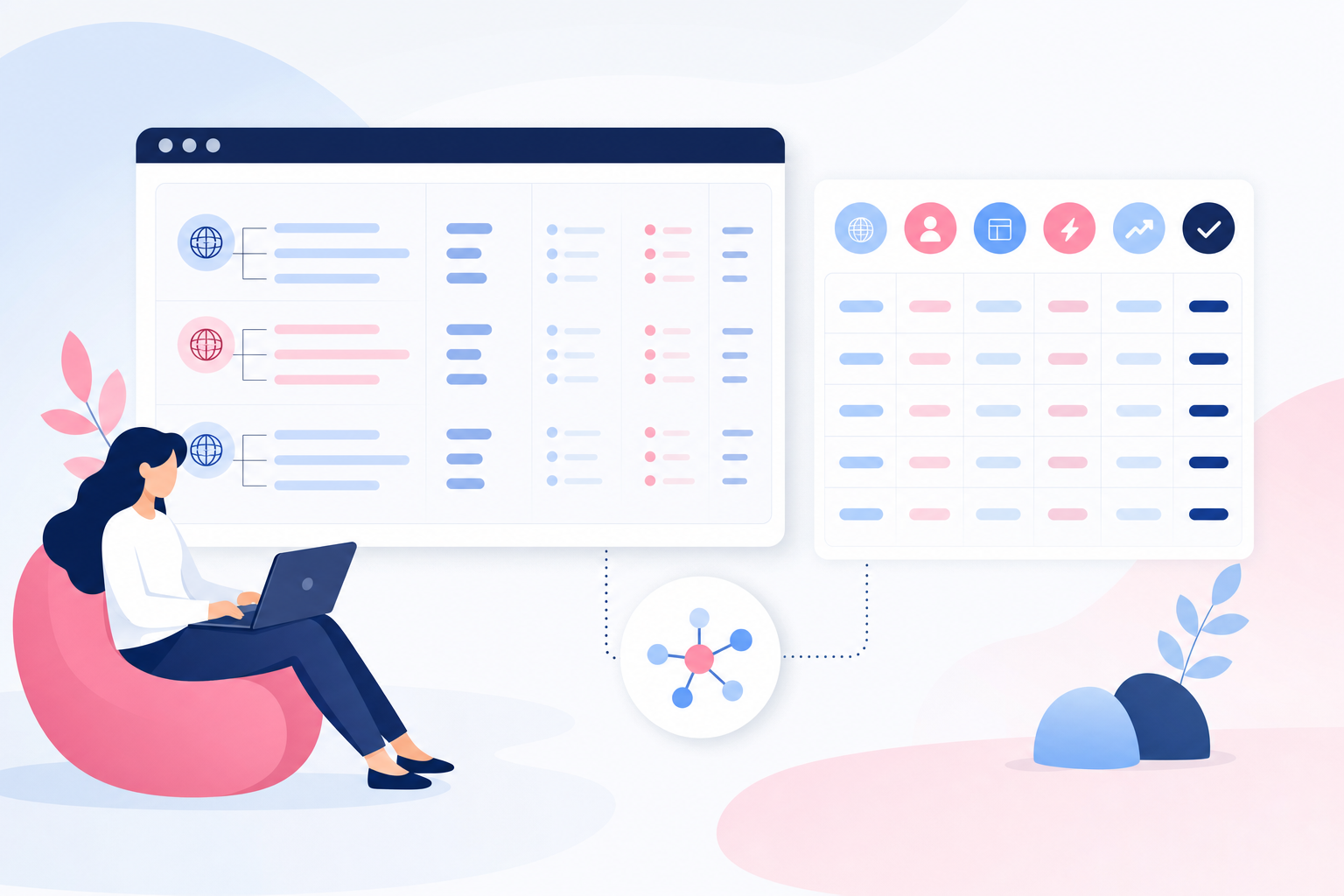
Count how many content types and recurring variations the website actually needs, such as service pages, case studies, guides, product views, and campaign pages. A small number of stable variations points towards carefully designed page templates, while numerous combinations and multiple digital channels increase the value of a systematic component library. Also describe the states that need to be handled, such as empty search results, form errors, logged-in states, and campaign prices, because these often require more development than a standard page.
Signal: Check that the supplier can connect every proposed component or template to a specific, recurring content need and explain where it will be reused.
Assess how much governance editors need
The more editors and publishing occasions you have, the greater the need for shared rules governing headings, images, tone of voice, and component usage. Restricted choices are often more productive than complete freedom: an editor who can quickly choose between two relevant sections works more efficiently than one who has to evaluate fifteen similar blocks. Governance should be built into the CMS workflow through field names, help text, previews, and maximum limits, rather than existing only in a document that few people open.
Signal: A good supplier demonstrates how editors receive guidance while publishing and how invalid combinations are prevented, not just how many components they can choose from.
Calculate the total cost of maintenance over three years
Include initial design and development, documentation, training, support, version updates, quality assurance, and further development. Also calculate the cost of keeping parallel implementations synchronised when a colour contrast, validation rule, or mobile breakpoint changes. A full-scale design system is justified only when the value of reuse, faster launches, and fewer errors can reasonably be expected to exceed the work required to keep the system up to date.
Signal: Be cautious if the quote describes the build cost in detail but does not estimate ownership, maintenance, and updates over the following three years.
Establish clear ownership after launch
A design system requires the authority to approve new components, update documentation, and manage exceptions when a team needs to depart from the standard. The owner does not need to work on the system full-time, but the role must have a budget, decision-making authority, and access to both design and development expertise. If nobody internally can take responsibility, a smaller number of robust page templates is often more sustainable than an ambitious system that starts becoming outdated immediately after launch.
Signal: Ensure that the responsible person, decision-making process, release frequency, and budget for changes are defined before the solution is procured.

Start here: choose the right level for your website
-
Map recurring page types and business objectives
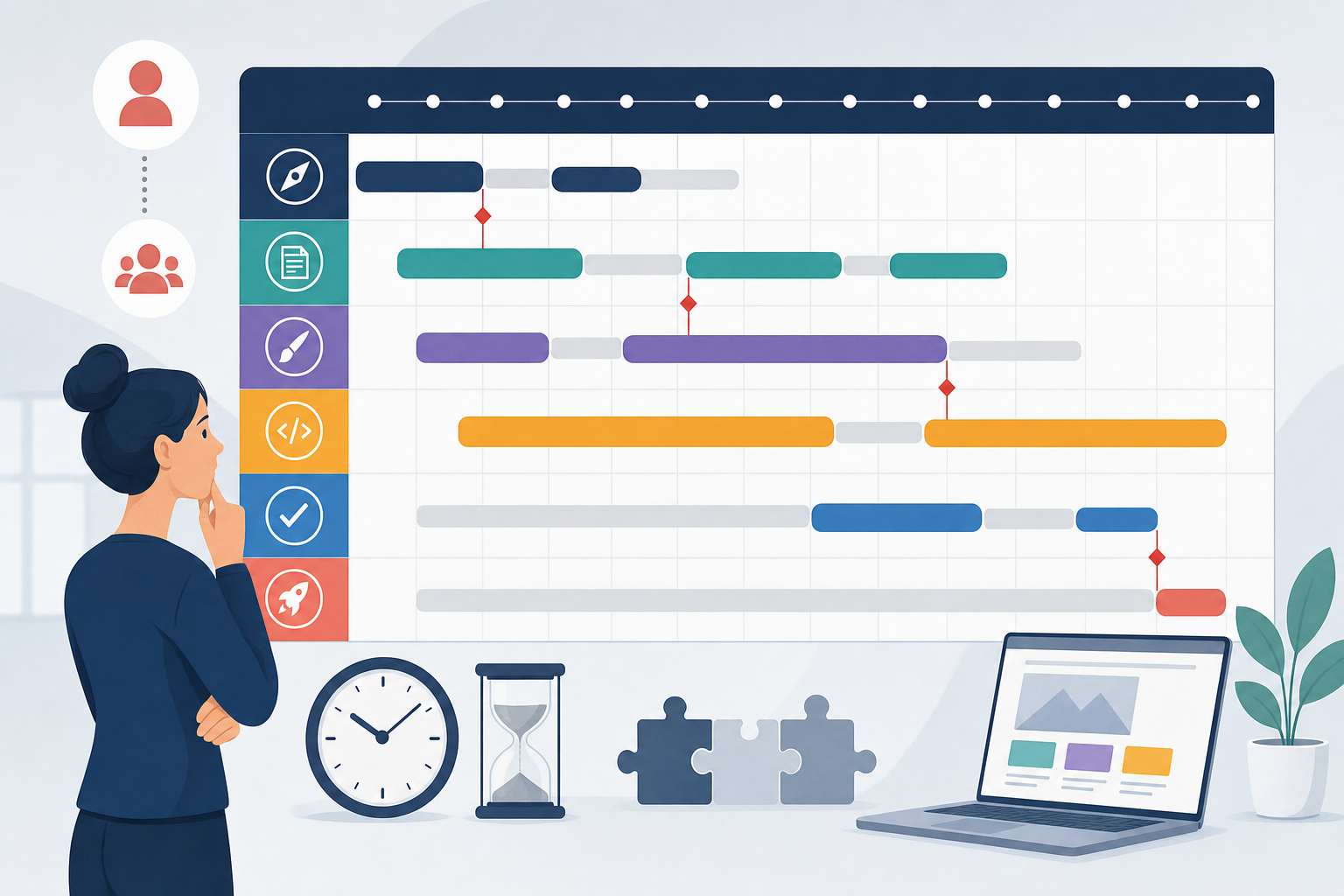
Bring marketing, sales, and customer service together in Miro and list the website’s most important goals alongside five to eight recurring page types, such as the home page, service pages, case studies, guides, and the contact page. Add the customer need that each page type should address and the action visitors are expected to take, so that a template is not created simply because an old page happens to have a particular layout. The result should be a prioritised site map showing where the same structure can be reused and where a genuinely custom flow is needed.
-
Use page templates as the foundation and limit the design system’s scope
Start with page templates if the website has few editors, a limited budget, and no more than around ten main page types. Document the decision in Notion and define a lightweight design system covering colours, typography, spacing, buttons, forms, image formats, and responsive rules, so that the templates share a consistent visual language without every combination requiring its own manual. The result is lower development and maintenance costs while keeping the brand and user experience consistent.
-
Prototype the three most important templates
Build clickable prototypes for the home page, service page, and contact page in Figma using reusable components and real headings, images, and offers. Test long and short copy, error messages, and mobile views instead of relying on polished placeholder text, because real content quickly reveals whether the components are too rigid or too flexible. The prototypes provide a basis for assessing messaging, conversion paths, and the mobile experience before costly development begins.
-
Test the templates with customers and editors
Conduct five short user tests through Microsoft Teams or Lookback and ask participants to find a service, understand the offer, and take the next step without guidance. At the same time, ask two editors to create a complete page in the CMS test environment and observe where they hesitate, choose the wrong block, or need to leave the publishing workflow to find instructions. Collect the observations in Trello and address the obstacles affecting comprehension, enquiries, or publishing, giving you validated templates and measurable acceptance criteria before development.
-
Define requirements for components, ownership, and maintenance
Register approved components and templates in Storybook or Figma and link them to development tasks in Jira, with a clear status for design, code, accessibility testing, and publication. Specify who may change the design rules, how new needs are proposed and approved, and how old variations will be retired without breaking existing pages. Then track usage in Matomo or Google Analytics 4, including form completions, clicks on primary CTAs, and template conversion rates, so that further development is guided by customer behaviour rather than individual requests.
For most SME websites, standardised page templates combined with a limited design system provide the best balance of cost, quality, and flexibility. A more extensive website design system becomes relevant only when multiple digital services, development teams, or brands need to use the same components and the benefits can be demonstrated in a three-year cost analysis. An experienced team therefore starts with business flows, editors’ day-to-day work, and maintenance responsibilities, then chooses the smallest solution that can be developed consistently without unnecessary custom builds.