Chat, booking, CRM and advertising tags can block the browser long after the page appears to have loaded. Here is a method for measuring the impact of each script and keeping only the integrations that create business value.
Why does your website feel slow even though the homepage receives a reasonable Lighthouse score? The answer is often that the test measures loading, while chat, booking, CRM and advertising scripts wait until the visitor starts interacting. A chat window that initially appears to weigh 80 kB may then download several megabytes of JavaScript and create a 300-millisecond task on the main thread just as someone clicks “Book”. The cost then appears in INP—not necessarily in the initial view—and a paid mobile visitor may interpret the lack of response as a broken form. The solution is to assign an owner to every integration, measure its impact in real user journeys and compare blocked milliseconds with bookings, leads or revenue.

Map every third-party script behind a slow website
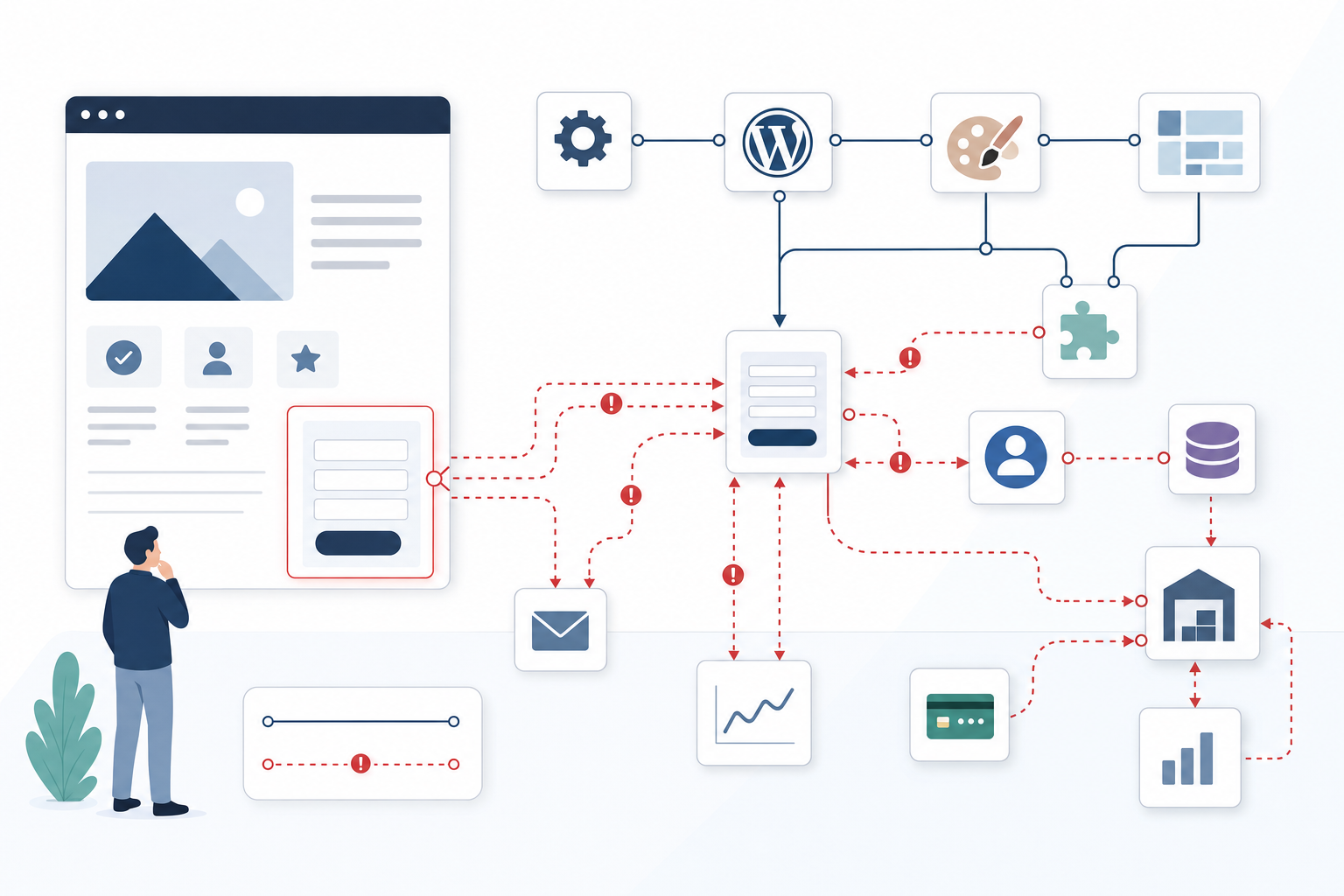
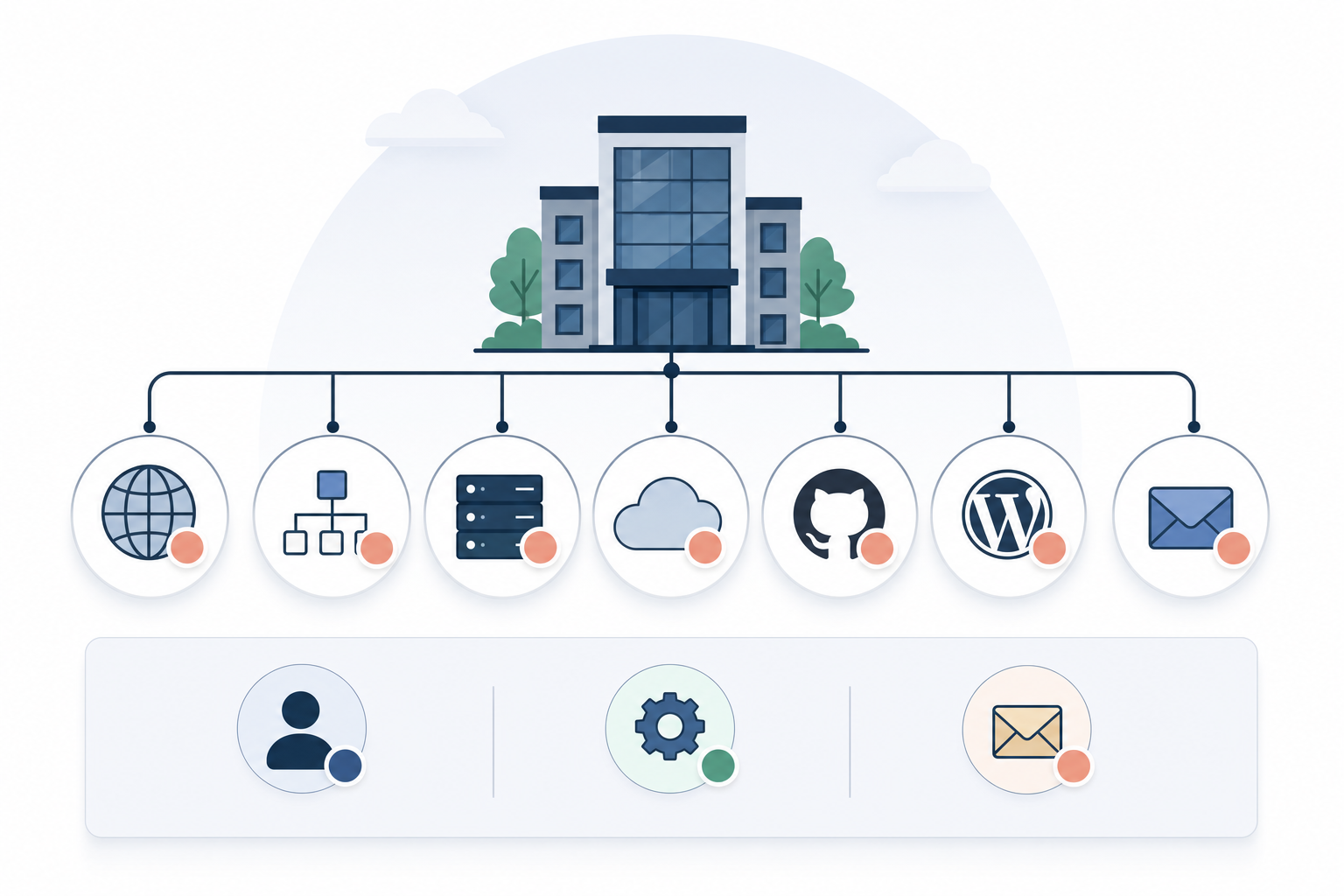
The inventory should begin in Chrome DevTools Network, Google Tag Manager, the page source and the website’s CMS, as the same provider is often loaded from several places. On a WordPress website, for example, a CRM may be added by a form plugin, hard-coded into the theme and simultaneously activated through the tag manager; in a React solution, the corresponding code may exist both in the application and in an externally managed container. Group network requests by provider in DevTools, WebPageTest or Request Map and follow the initiator chain, as a visible booking widget may trigger analytics, chat, retargeting and iframe communication from several other domains. For every domain and tag, the inventory should show the internal owner, affected pages, triggering conditions, transferred JavaScript volume, main-thread time and the specific decision or revenue stream supported by the integration. A tag without a named owner, documented use case and measurable conversion signal should be treated as a candidate for removal, while duplicate Meta Pixel or CRM events can also consume CPU time and cause the marketing team to overestimate the number of conversions.
Measure what blocks the next click—not just what delays page loading
Put simply, INP consists of the delay before the event can begin to be handled, the time JavaScript spends processing it and the wait until the browser can display the next frame. You should therefore record real mobile journeys in Chrome DevTools Performance: open the menu, accept consent, select a booking time, focus on a CRM form and submit it, rather than simply reloading the homepage. Long tasks exceeding 50 milliseconds are diagnostic warning signs, and expanding them often reveals whether the call stack points to a third-party script that wakes up on scrolling, form focus or a click and then performs synchronisation, DOM updates or communication with an iframe. Combine the lab test with the Chrome User Experience Report, where Core Web Vitals are assessed at the 75th percentile, and your own RUM monitoring using, for example, the web-vitals library with attribution. This allows you to connect a slow interaction to an element, interaction type and the most expensive part of the delay. Then temporarily block the provider’s domains using DevTools Request Blocking and repeat exactly the same journey; if the booking click falls from 340 to 170 milliseconds, you have much stronger evidence for a decision than general advice to “reduce JavaScript”.

Remove, defer or replace based on marginal value per millisecond
The decision should be based on marginal value per millisecond: how much verified business value does the integration create compared with how long it blocks critical interactions for the visitors who actually use it? Run a controlled test in which the tool is paused or loaded later, and monitor both INP and business metrics such as initiated bookings, qualified leads, completed purchases and customer acquisition cost, because a technical improvement without maintained conversion performance is not a complete result. Start by removing scripts that have no active owner, send overlapping data or are no longer used in a workflow. However, consider pausing them in Google Tag Manager during the test period so the change can be quickly reversed if a dependency is discovered. Chat and booking widgets can instead be loaded after an intentional click on a local button, while advertising tags can be conditionally loaded after consent and during browser idle time. When the same function can be provided through server-side tagging, a simpler form or a standard link to a separate booking page, the lighter architecture should be tested. Finally, verify the effect on the same devices, page types, traffic channels and user journeys, as an improved median can conceal the fact that mobile visitors at the 75th percentile still exceed the 200-millisecond threshold for a good INP.
When third-party scripts become a business risk—not just a performance problem
Scripts without an active owner remain long after their value has disappeared
An inventory that lists only the provider does not show who should justify the cost or decide whether to retire the integration. Old A/B testing tools, campaign pixels and chat modules may therefore remain in place for years after the experiment has ended, the agency has been replaced or the sales department has moved to another CRM. Every such integration increases the amount of code that must be downloaded, parsed and executed, but it also increases operational risk through external dependencies, changing APIs and unclear processing of personal data. Set a review date and require the owner to demonstrate actual usage, identify the report or process that needs the data and specify which conversion metric would be affected if the script were disabled.
In an inventory using Google Tag Manager and Request Map, 11 of 34 third-party requests had no internal owner. Once these requests had been paused and verified, they could be removed, reducing the transferred volume of JavaScript by 420 kB per page view.
Good loading metrics can conceal a blocked next click
LCP shows when the largest visible content element has been rendered, but it does not indicate that the main thread is free when the visitor selects a product variant or opens the checkout. Analytics, personalisation and remarketing may continue to execute after the page appears complete while competing with the interface’s own JavaScript. The result is a page that looks fast in a screenshot but feels broken when a click produces no visible response until several hundred milliseconds later. INP optimisation must therefore focus on the interactions that generate revenue and on field data showing what real mobile phones experience, rather than relying solely on a powerful development computer.
When a personalisation engine was deferred until the browser’s first idle period, INP when selecting a product variant fell from 380 to 160 milliseconds in the Chrome User Experience Report. The change moved the interaction from the “needs improvement” category to the level associated with a good user experience.
Consent does not automatically eliminate the performance cost
A common misconception is that a script has no cost before consent as long as it refrains from sending personal data. If the file has already been downloaded and initialised, the visitor has still paid the cost of DNS lookup, TLS connection, network transfer, JavaScript parsing and any DOM operations. Review both the consent platform’s rules and the network log before a choice is made in the banner; a correctly blocked script should normally not load at all until the legal and functional requirements have been met. The same principle applies to video players, maps and social embeds, which can be replaced with a local preview image until the visitor explicitly chooses to use the service.
By placing a video provider behind a click on a local preview image, three external connections and approximately 600 kB of JavaScript were removed from the initial load. Visitors who never played the video therefore incurred none of the provider’s performance costs.
Optimise for marginal value per millisecond, not script size
File size is a relevant network cost, but it does not reveal how often the code runs or whether it blocks a revenue-critical interaction. A smaller analytics script may run synchronously on every form field and create a greater conversion risk than a larger payment library used only once at checkout. Rank integrations according to blocked main-thread time in priority journeys, the proportion of visitors exposed, verified revenue and the cost of a provider failure. This model makes it possible to retain a heavy but revenue-generating tool under clearly defined loading conditions while replacing small scripts whose data collection no longer influences any decision.
A 70 kB analytics script that blocked the main thread for 190 milliseconds was replaced with server-side tagging, while a revenue-generating 240 kB payment script was retained but loaded only at checkout. The change reduced the cost on information and product pages without impairing the payment flow.

Questions that reveal which scripts are slowing down the website
Which third-party scripts load before visitors can see and use the page’s most important content?
Map consent tools, advertising tags, chat, personalisation, analytics and other external features that start during the initial load. Check not only when the network request begins, but also how much work the file creates on the main thread through parsing, compilation and initialisation. If these activities occur before the page’s main content or make the mobile menu unresponsive, the implementation has prioritised provider code over the visitor’s task. One measurable action is to move the scripts until after critical rendering and then compare LCP, INP and conversion rates within the same traffic segment.
Which integrations are actually used—and which remain out of habit?
Compare every script with its internal owner, most recent documented use and the report, automation or customer dialogue it enables. A CRM form may be central to sales, while an old advertising pixel from a completed campaign merely generates network requests and inaccurate audiences. Request a measurable signal, such as the number of qualified leads enriched or bookings initiated through the widget, rather than accepting the argument that the data might be needed later. If both an active function and regular follow-up are missing, the integration is technical debt and should be tested while disabled.
How much slower does the website become when third-party scripts are active?
Run the same page and user journey with all external scripts active, then with one provider blocked at a time, and compare INP, Total Blocking Time, the number of long tasks, transferred data volume and CPU time. The test should use the same mobile profile and network throttling so the difference cannot be attributed to variations in the test environment. Then add RUM data to determine how much real traffic is exposed and whether the effect is greater on older Android devices or specific landing pages. The difference between the test cases is the estimated performance cost that should be weighed against changes in leads, purchases or bookings.
Are all scripts loaded on every page, including where they are not needed?
A chat tool, video player, map or booking widget rarely needs to be initialised on every page, but global WordPress plugins and simplified triggers in Google Tag Manager make this common. Review coverage by page type and connect loading to an actual need: booking code on the contact page, payment code at checkout and conversion tags only after the correct event. Conditional loading often has a greater effect than a general time delay because the code is never downloaded for visitors who cannot use the feature. This reduces both data volume and main-thread work on every irrelevant page view, which is particularly valuable when traffic is purchased per click.
What happens to the website when an external provider responds slowly or not at all?
Simulate a slow connection, network errors and blocked third-party domains to see whether content, navigation, the consent dialog and forms still work. A chat provider should not be able to stop the mobile menu from working, and a CRM outage should not cause a submitted form to disappear without local confirmation or fallback handling. Measure timeouts and error rates as well, because waiting several seconds for an external resource can result in lost leads even when Core Web Vitals appear acceptable for the majority of visitors. If core functions stop working, the company has an operational and revenue risk within a system it does not control.
The next step is to create a prioritised list in which every script is assessed against business value, performance cost and operational risk. Start by pausing what is unused, load the remaining scripts only on the pages and after the actions where they are needed, and then monitor the change using real-user data. An experienced team or independent partner approaches the problem by reproducing business-critical journeys, isolating each provider’s cost and verifying both INP and conversion performance before making a permanent decision. This turns work on a slow website from a general optimisation project into a series of measurable decisions that free up main-thread time and reduce the risk of losing customers.