A web project is rarely delayed by coding alone. Here is a realistic timeline and the internal decisions and deliverables that determine the launch date.
Is the web agency really right when it promises a new corporate website in eight weeks? The straightforward answer is that a typical SME website in 2026 usually requires 10–16 calendar weeks, even when the design and development themselves fit within eight production weeks. AI, component libraries, and modern development tools have made certain tasks faster, but they do not write finished product copy, create CRM permissions, or reconcile conflicting feedback from the management team. A website may therefore require eight weeks of active production but take fourteen weeks to launch when the content arrives after design has begun, the integration partner lacks a test account, and every page waits five working days for internal approval.

A typical SME website takes around 10–16 weeks in 2026—but only if decisions have clear deadlines
A realistic baseline plan allocates around two weeks to objectives, requirements, and structure; three weeks to UX and visual design; four to six weeks to development and integrations; and two weeks to testing, content review, and publication. The phases do not have to be entirely sequential: developers can build approved components while editors complete the remaining pages, but this overlap only works if the sitemap, priority messages, and technical requirements have already been agreed. The difference between production time and calendar time becomes clear when a design revision takes the agency four hours but blocks the project for a week because feedback has no deadline or comes from multiple sources. The timeline should therefore show the client’s delivery dates for the page list, copy, images, domain access, CMS permissions, and consolidated feedback with the same precision as the agency’s design and development dates. In addition, require at least one separate week between technical completion and public launch; otherwise, DNS, redirects, form testing, cookie settings, analytics tracking, and final editorial checks are all squeezed into launch day.
Content is often the critical path—not development
Designing with placeholder text may look efficient at first, but it creates late-stage rework when the real headings are twice as long, comparison tables are missing from the component library, or product descriptions require a structure that no one has designed. A website with 35 URLs is not automatically a project with 35 equivalent pieces of content; five page templates may be easy to build, while 20 unique service pages and customer case studies require interviews, fact-checking, image selection, and approval from different subject-matter experts. Start with a page inventory that distinguishes between pages that can be migrated, pages that must be rewritten, material that should be consolidated, and content that should be removed, making the workload measurable before the quotation and design process begin. Finalise the sitemap, key messages, priority CTAs, and responsible copywriter before visual design starts, while metadata, internal links, and minor language edits can be completed once the pages are in the CMS. Track the work in a content matrix with one row per URL and separate columns for owner, draft, fact-checking, legal review, image, SEO fields, and final approval. Use clear statuses such as complete or blocked rather than ambiguous estimates such as 80 percent complete.
The hardest integration question is who owns the system on the other side
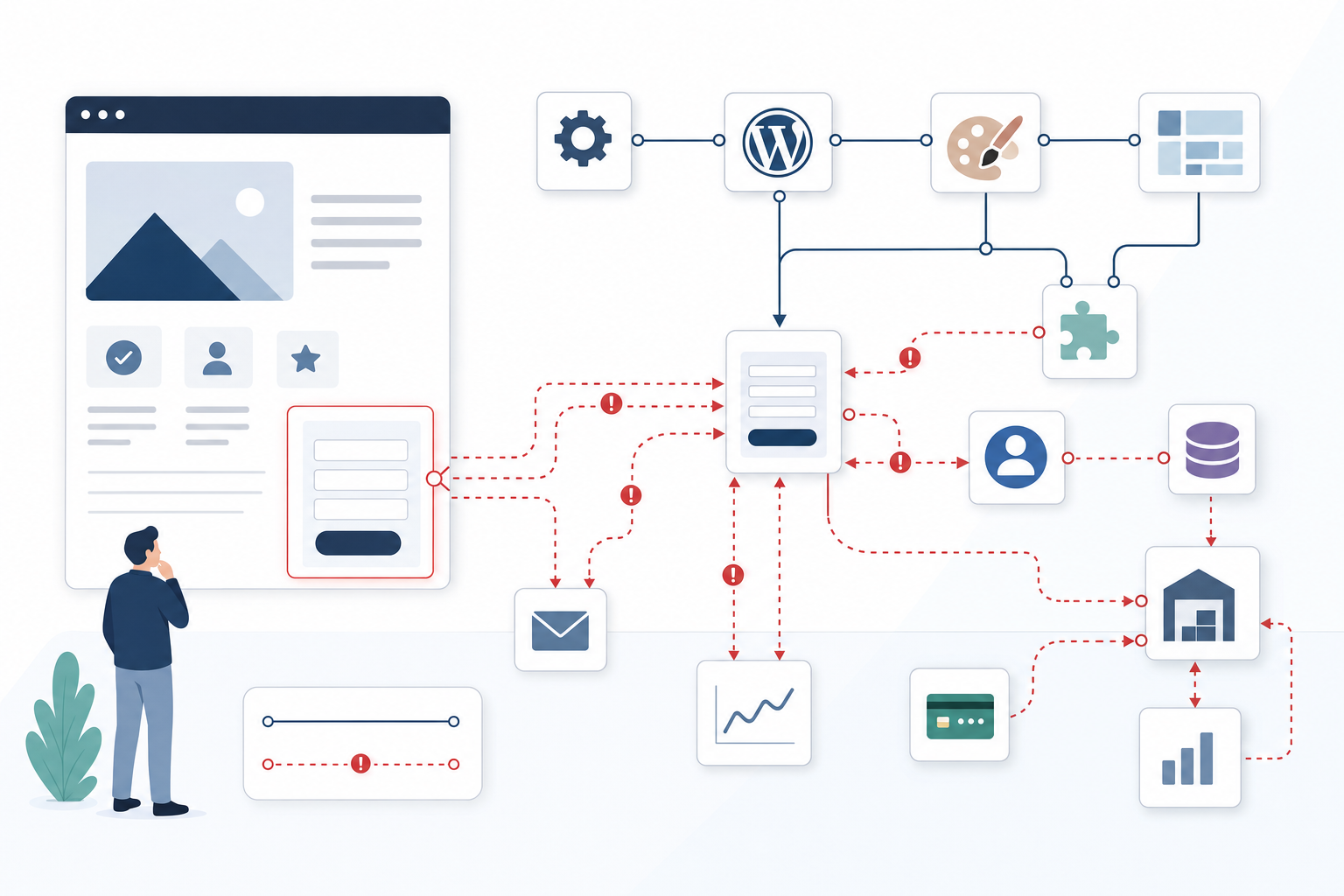
CRM systems, ERP systems, recruitment platforms, payments, and automated form workflows should be treated as separate subprojects because their timelines are controlled by more parties than the web agency alone. Schedule a technical integration meeting during the project’s first week with the agency’s developer, the client’s named system owner, and the external system provider. Confirm who can create test accounts, issue API keys, open firewalls, and interpret error codes. API documentation only proves that a technical connection is possible; it says nothing about whether the correct permission level is available, whether the test environment matches production, or whether personal data may be transferred between the systems as planned. A form that sends leads to a CRM system, for example, requires decisions about mandatory fields, duplicate handling, consent text, the responsible salesperson, confirmation to the visitor, and what happens when the CRM system does not respond. At the same time, define a manual fallback flow, such as a secure email queue or controlled CSV export, so the website can launch and leads can still be handled if an external integration temporarily fails.

One consolidated approval per phase can eliminate weeks of passive waiting
When the CEO, sales, marketing, HR, and legal teams submit comments at different times, feedback becomes five separate work queues, and a late comment can reopen decisions that have already been implemented in design and code. Appoint a decision owner to collect all comments in the same tool, resolve internal contradictions, and submit a prioritised list that the agency can act on without having to interpret the organisation’s hierarchy. A practical model is two working days of internal review followed by a scheduled 45-minute decision meeting, during which the phase is either approved or returned with one consolidated and clearly defined list of changes. If no response is received, the consequence should be agreed in advance—for example, moving the launch date by the same number of days or allowing the agency to continue from the most recently presented version. Also establish a clear launch cutoff: legal errors, broken workflows, and blocking accessibility issues must be resolved before publication, while minor image changes, isolated wording adjustments, and new requests are added to a prioritised post-launch improvement list.
Three ways to reveal the web project’s real bottlenecks
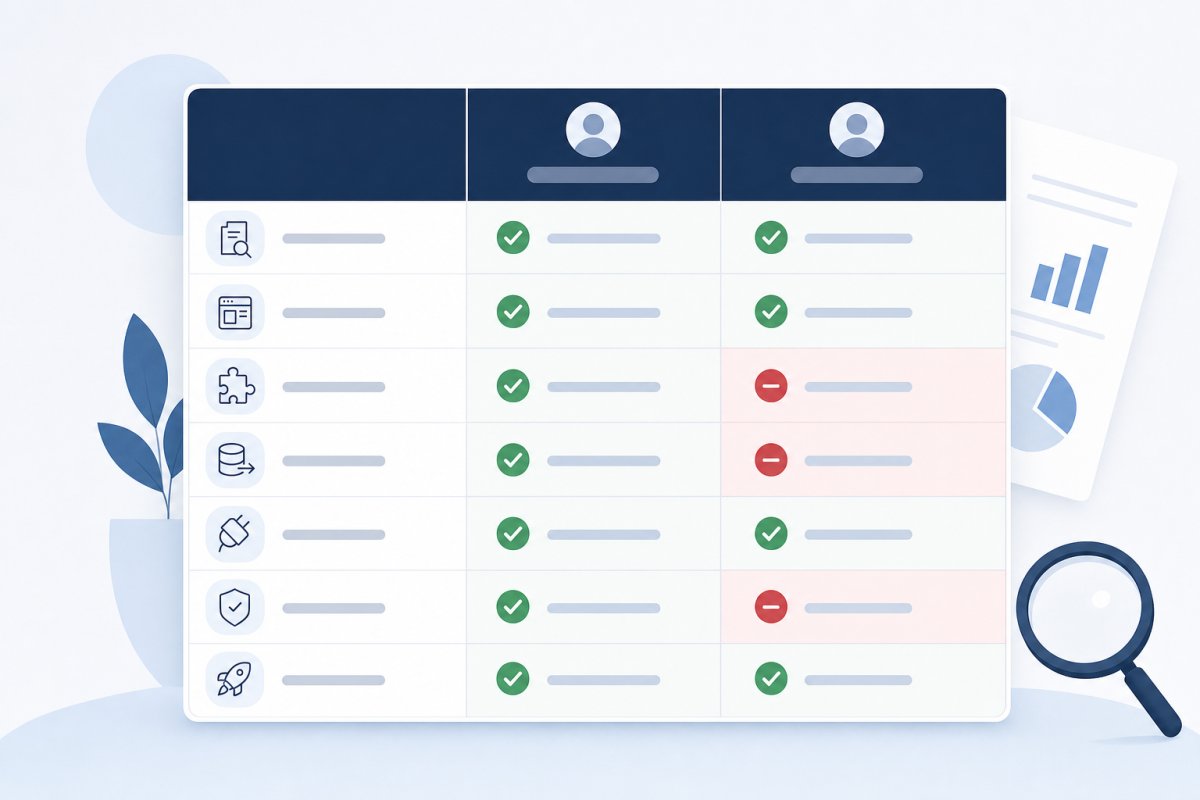
The tool should be chosen according to where delays occur: with the client, in the content process, or between technical teams. For a typical SME website, the following options offer distinctly different strengths.
Asana Timeline
Asana Timeline makes the project plan understandable to the agency, editors, and decision-makers alike, increasing the likelihood that the client’s deliverables will also be updated where the work is tracked.
- Works well for cross-functional teams because editors and decision-makers can manage tasks without needing to understand a development tool.
- Deadlines for materials and consolidated phase approvals can be added as dependencies, showing when waiting for the client affects the launch.
- Dependencies do not automatically shift the entire schedule as robustly as they do in more specialised planning tools, so delays require active updates.
- Technical integrations can easily be reduced to a single task unless the system owner, test environment, access, and acceptance criteria are explicitly defined.
Best for: SME projects where content, design, client decisions, and development need to be coordinated in a tool that even inexperienced clients will actually use.
Jira Advanced Roadmaps
Jira Advanced Roadmaps provides a significantly more technical view and is suitable when integration risks must be traceable from a high-level milestone to an individual issue, owner, and sprint.
- Provides strong traceability from blocked API access or an integration risk down to specific issues, responsible individuals, and planned sprints.
- Suitable when several development teams or external system owners affect the critical path and technical dependencies need to be monitored in detail.
- It is often too complex for content owners and management teams, which may mean approvals still take place by email and remain invisible in the plan.
- Requires discipline around issue types, dependencies, and statuses; otherwise, the roadmap may look precise without reflecting the actual decision-making process.
Best for: integration-heavy web projects where development is already managed in Jira and several technical teams or system providers must be coordinated.
TeamGantt
TeamGantt prioritises the visual timeline and makes it easy for a steering committee to see how late content or a missing approval shifts subsequent activities.
- Makes the critical path easy for steering committees and clients to understand, particularly when late content or missing approvals affect the launch date.
- Can quickly be set up as a 10–16-week plan with milestones for content sign-off, integration decisions, acceptance testing, and launch approval.
- Offers weaker support than Jira for detailed issue management, technical documentation, and development work that changes from sprint to sprint.
- The plan can create a false sense of security if activities are marked complete without defined delivery criteria and a named recipient responsible for approving the result.
Best for: small and medium-sized web projects where governance, deadlines, and one consolidated approval per phase matter more than advanced development reporting.
For most SME websites, Asana Timeline is the best compromise because the client, content team, and agency can work in the same plan. Choose Jira Advanced Roadmaps when integrations dominate, and TeamGantt when the main challenge is showing decision-makers how passive waiting shifts the launch date.

Five steps to keep the web project within 10–16 weeks
-
Set a 48-hour deadline for decisions before the project begins
Create separate tasks for design choices, content approvals, and technical decisions in Asana or ClickUp, with a named decision owner and a 48-hour response deadline. At the same time, specify what happens when no response is received: either the agency proceeds with its recommended option or the launch date moves by the same number of days. This rule makes decision time a visible part of the project instead of an informal wait between meetings.
-
Start content work two weeks before design
Inventory existing pages in Screaming Frog and collect them in Content Snare or GatherContent, with a responsible person, status, and deadline for each one. Prioritise the 10–15 most important pages and require approved messages, headings, and CTAs before the design agency begins creating the page templates. This ensures that components are based on real content, while lower-priority pages can be produced in parallel during development.
-
Require a named owner for every integration
Do not simply write “connect the CRM” in the requirements list. Instead, define a deliverable such as “HubSpot: Anna Svensson, administrator, will provide a test account and API permissions by week 3.” Schedule a 30-minute technical meeting with the system owner before development begins and verify authentication, field mapping, data protection, and access to a relevant test environment. If no one can approve the workflow, the integration has not been planned, regardless of how complete the API documentation may appear.
-
Consolidate feedback into one approval per phase
Appoint an internal stakeholder to compile feedback from management, sales, marketing, and other reviewers into a prioritised list in Figma or BugHerd. Limit each phase to no more than two review rounds and set a fixed approval date so that previously agreed structural and design decisions are not reopened without an impact analysis. Otherwise, separate emails from five people can create one to two weeks of passive waiting even if the agency’s changes only require a few hours.
-
Plan with a visible critical path and contingency time
Build the timeline in TeamGantt, Monday.com, or a simple Google Sheet and mark dependencies between content, design, integration testing, acceptance testing, and publication. Allocate five working days to acceptance testing and three days as a launch contingency for unexpected technical problems. However, do not use the buffer for late internal decisions, as this conceals the cause of the delay and makes the next deadline equally uncertain.
Ask the web agency to include decision owners, content deadlines, and external system owners in the timeline from the quotation stage. When every waiting period has a name, a date, and a consequence, 10–16 weeks becomes a manageable plan rather than an optimistic estimate.