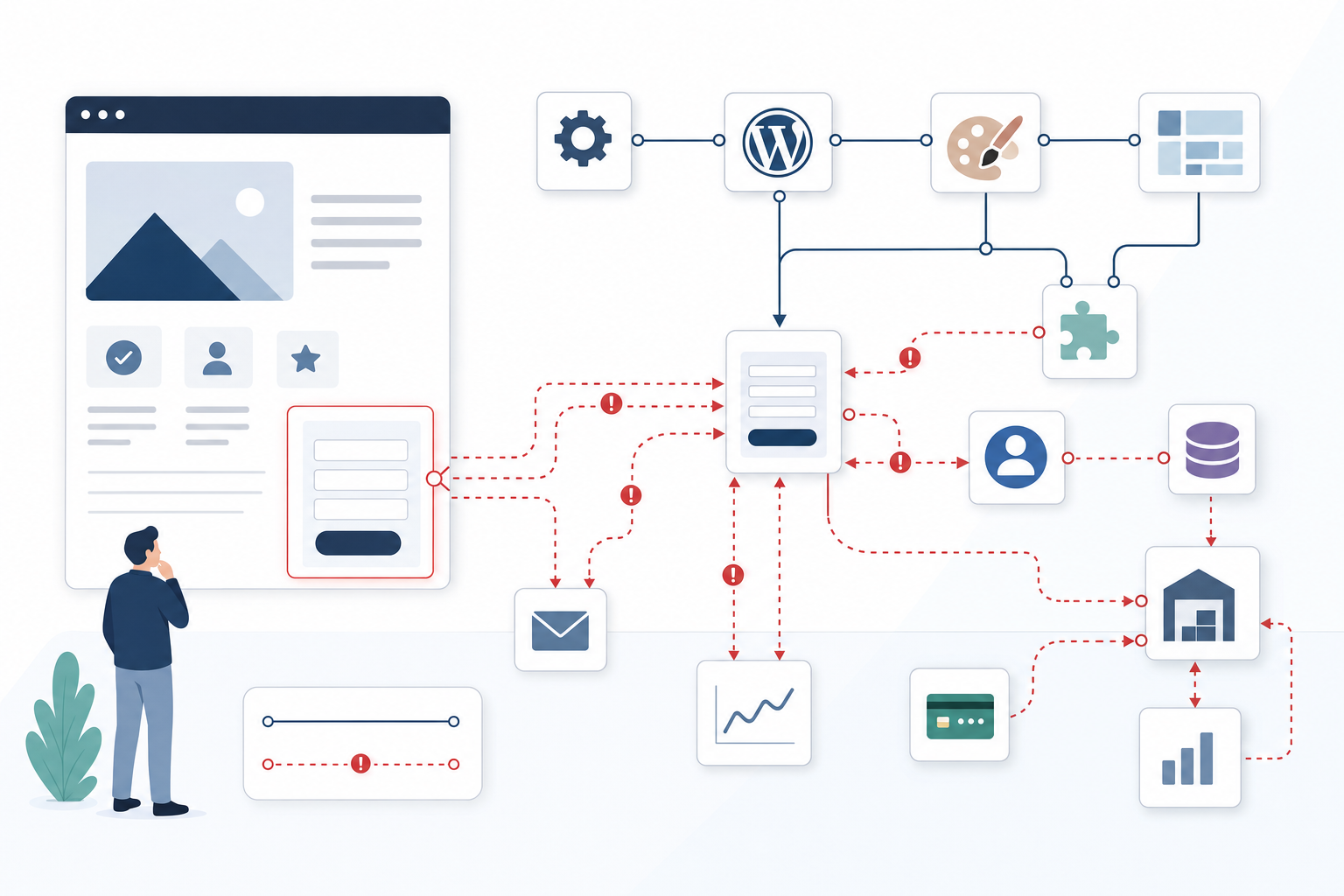
A React or Next.js website can look complete to visitors while Google encounters empty or incomplete content. Learn how to audit rendering and define the technical requirements that protect visibility and leads.
Have you paid for a complete React website that, in practice, shows Google an empty product page? Yes, that may be exactly what is happening when the product name, price, description, and links are absent from the server’s HTML and are only fetched after JavaScript has run. This does not mean Google can never render JavaScript, but it makes discovery and indexing dependent on additional steps that may be delayed or fail. Good JavaScript SEO therefore begins not with assumptions about the framework, but by checking what content is actually delivered, rendered, and included in the index.

JavaScript SEO: check three versions of the page
When a small e-commerce company noticed that its category pages were losing traffic, everything appeared to work normally for staff using Chrome. However, a comparison revealed three different pages: the server’s initial HTML, the browser’s rendered DOM, and the version Google had most recently indexed. Start by running, for example, curl against an individual product, service, or category URL and search for the page’s unique main heading, product description, price, and most important internal links. If they are missing, the content depends on JavaScript, although this does not automatically prove that Google can never read it. Next, compare the response with Chrome DevTools Elements, where you can see the DOM after scripts and API requests have succeeded. Review the actual HTML structure rather than relying only on an apparently correct screenshot, as a cookie dialog, loading state, or hidden error message may conceal missing text. In Google Search Console’s URL Inspection, the live test shows what Google can fetch and render now, while the information about the indexed URL reflects what was used during an earlier crawl. Two green results therefore do not necessarily mean that the versions contain the same text or metadata. Perform the check on URLs that are actually generated from the CMS, product database, or external feeds, not just on the home page. An error in a dynamic template can affect hundreds of revenue-generating pages while the company’s most frequently tested page continues to work.
API requests after page load are the most common risk area
In a typical React solution, the component first returns an empty container or skeleton, after which useEffect retrieves product data from an API and fills the page with content. This makes both JavaScript execution and the API response separate points of failure. A request that is fast for a developer using a warm cache may be slow for a first-time visitor. It may also be blocked by authentication, CORS rules, rate limiting, robots.txt, a firewall, geoblocking, or bot protection that treats Googlebot differently. The risk increases if the API requires cookies, local storage, or an active user session, because the search engine may not have the same state as the logged-in employee who quality-assured the page. The same uncertainty arises when SEO-critical text or links appear only after a click, filtering, scrolling, or another interaction that Google cannot be expected to perform, potentially leaving both products and subpages undiscovered. In a realistic test, a category page may therefore go from 24 products to none when the API request is blocked in DevTools Network, even though the document still returns HTTP status 200 and appears technically functional to the monitoring system.

Server-side rendering is required when content must appear in the initial HTML response
Server-side rendering or static generation is appropriate when the content explains the page’s search intent and commercial offering, including the main heading, body copy, product list, price, key facts, internal links, and metadata. In Next.js, stable service and category pages can be pre-generated, while frequently updated product, inventory, or listing pages can be rendered on the server upon request or use timed regeneration through caching and revalidation. This does not mean that every component must be server-rendered. Price filters, calculators, shopping carts, personalisation, and other interactive enhancements can still run on the client after the essential content has been delivered. A practical acceptance criterion is that the page’s unique H1, primary offering, most important facts, relevant metadata, and core HTML links must be present in the response without JavaScript running. This distinction reduces the risk of losing organic traffic without requiring the company to pay the cost or performance overhead of dynamic server rendering for every view and user request.
Next.js SEO best practices: metadata and links must be created at the right stage
Moving a website from React to Next.js does not automatically solve Next.js SEO problems, because data that is still fetched by a client component after mounting may not be present in the initial HTML response. In the App Router, stable page data should normally be fetched in server components, while the Metadata API or generateMetadata can deliver the title, meta description, canonical tag, and social sharing metadata from the same available data. In the older Pages Router, static generation and getServerSideProps, among other features, provide equivalent functionality. A Next.js SEO plugin can simplify templates and consistent markup, but it cannot rescue metadata that depends on a blocked API or replace a rendering strategy that fails to deliver the main content. Also check that categories, products, and services can be reached through standard <a href> links with real URLs. Otherwise, buttons, filter states, and infinite scroll may make navigation understandable to people but unreliable for search engines. A useful Next.js SEO checklist therefore does not end with correct code in the Git repository. It requires verification of the raw HTML, rendered HTML, canonical tag, structured data, links, and the version actually indexed for a representative sample of URLs.
In depth: identify when JavaScript hides business-critical content
The rendered browser can give a false impression of what is actually published
Someone opening a page in their regular Chrome session sees the final result after caching, JavaScript, API responses, and any user data have been applied, not necessarily the document that was initially published. You should therefore check the raw HTML from the server, the DOM after rendering, and the version Google can fetch and has chosen to index for the exact same URL. This difference is central to Google’s indexing of JavaScript: a complete DOM on the developer’s machine shows that the code can work under favourable conditions, but not that Google received the same content when the page was crawled.
Example: Compare View Page Source, Chrome DevTools Elements, and URL Inspection in Google Search Console, and search for the same unique product name in all three views.
API requests after page load create more points of failure than teams normally test
When important content comes from a separate API, slow response times, authentication problems, CORS rules, or temporary rate limiting can leave the page almost empty, even if the base document and JavaScript file load correctly. Development teams often miss the risk because testing takes place from the office with a stable connection, existing cookies, and a warm cache, while the search engine or a new customer encounters the slower initial fetch. For an SME, the result can be costly in two ways: the landing page loses its ability to rank while paid traffic encounters an empty product list and leaves before completing a purchase or submitting an enquiry.
Example: A category page went from 24 visible products to none when the API request was blocked in DevTools Network, even though the page continued to return HTTP status 200.
A loading indicator in the HTML is not an acceptable fallback
Skeletons and the text “Loading content” can make the wait less disruptive, but they do not tell Google or the customer what the page offers. If JavaScript crashes after the container has been created, the page may still have navigation, colours, and a correct status code while its heading, internal links, price, and conversion content never appear. A functional fallback must therefore contain the actual message, not merely a promise that the message will load soon.
Example: Before the fix, the HTML contained only <div id="app"></div>; after server-side rendering, the H1, product copy, price, and links were present in the response from the first byte.
Server-side rendering must include the content that defines the page’s purpose
Server-rendering the header, footer, and navigation is not enough if the unique main content still depends on a successful client-side request. On a job listing, product page, or local landing page, the title, description, key facts, and important links should be present in the initial HTML, while JavaScript can be reserved for filtering, form selections, and personalisation. This prioritisation makes the solution robust without turning every minor interface feature into an expensive server-side task.
Example: After SSR, the initial HTML response contained the job title, location, application deadline, and application link instead of fetching the entire listing from /api/jobs/4821 after page load.
Questions that reveal what search engines actually see
Is our most important content included in the HTML sent by the server, or is it only created after JavaScript has run?
Open the page’s raw source code, not just the browser inspector, and search for the main heading, body copy, prices, contact options, and internal links. If the content is missing, the page depends on JavaScript rendering, which can delay indexing and creates additional points of failure that must be tested. Use several page types and URLs with different data, because a successful test of one manually created landing page says nothing about a thousand database-driven products.
Can Google see the same content as our visitors?
Test the URL in Google Search Console and compare the rendered HTML and screenshot with the actual page, but also compare the live result with the information from the indexed version. Missing copy, links, product details, or metadata often reveal blocked resources, API errors, or code that Google failed to run at the right time. Document the differences with the date, tested URL, and expected content so that developers receive a reproducible error rather than a general claim about declining SEO performance.
Can important pages be reached through standard HTML links without requiring the user to click, filter, or scroll first?
Google needs real links with persistent URLs to discover pages and understand the relationships between categories, services, and products. If the next set of products loads only when the visitor scrolls, or if a subpage opens through a JavaScript event without an href, important URLs may become difficult to find. You can retain infinite scroll as part of the user experience, but supplement it with crawlable pagination and server-delivered links.
Does our React or Next.js solution use the right rendering method for business-critical content?
Landing pages, categories, products, and editorial pages should normally use static generation, timed regeneration, or server-side rendering when the content needs to be visible immediately. Client-side rendering is a reasonable choice for features that depend on user interaction and do not define the page’s core meaning, such as a price filter or a logged-in user’s shopping cart. If the entire page is still client-rendered, the team should be able to explain why and provide test results confirming that the content, metadata, and links are indexed consistently.
What happens to the page when JavaScript is slow, blocked, or crashes?
Disable JavaScript, block relevant API requests, and test with a slow mobile connection and CPU throttling in Chrome DevTools. If the main message, contact options, purchase buttons, or application links disappear, the company has more than an SEO problem: it faces a direct risk of losing customers and wasting its advertising budget. Testing with a cold cache is particularly valuable because it more closely resembles a new visitor than the developer’s recurring session.

Start with the pages that generate the most leads, purchases, or organic visits, and compare the server’s HTML with what users actually see. When critical content, links, and metadata are available from the outset, the website becomes more robust for both search engines and customers, while errors can be detected before they cost traffic and revenue. JavaScript SEO should then be monitored through recurring spot checks after releases, API changes, and React or Next.js updates. An experienced team or technical partner approaches the problem by first proving where the discrepancy occurs, prioritising business-critical URLs, and then selecting the smallest rendering change that produces a verifiable result.