A staging copy makes updates safer, but an incorrect deployment can overwrite orders and customer data created on the live site. Here is a practical checklist for selective deployment, testing, backups and recovery.
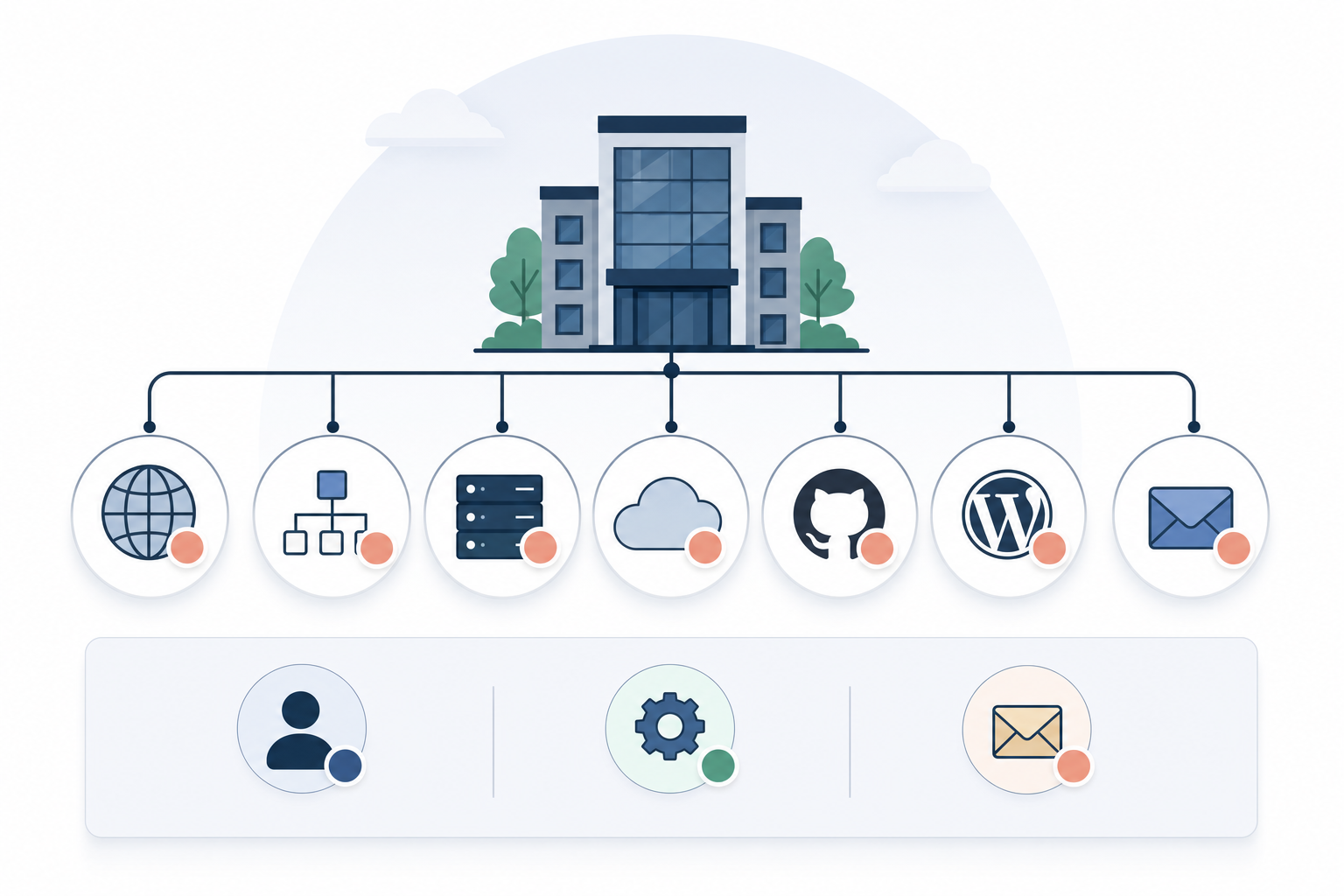
Have you asked your web agency whether the next design release could overwrite your store’s new orders? The short answer is that the risk exists if the entire staging database is transferred to production. A WordPress staging environment contains an older snapshot, while the live site continues to receive purchases, customer registrations, inventory updates and payment statuses. If the test copy is allowed to replace the live database, the result may be lost revenue, incorrect stock levels and customer service issues that cost considerably more to resolve than the release itself.

A WordPress staging environment is a copy, not a database that can be merged
From the moment a production copy is created, staging and live begin to develop in different directions: live receives real transactions, while the test environment receives design changes, test orders and new settings. A standard database import may replace entire tables or records with matching keys; it cannot determine on its own that a new order on the live site must be preserved while a template from staging is published.
WooCommerce High-Performance Order Storage, HPOS, moves most order information from WordPress’s traditional posts tables to dedicated tables for orders, addresses, operational data and metadata. However, order items, user accounts, inventory information and scheduled Action Scheduler jobs may still be stored in other related data groups. Installations using compatibility mode, legacy order storage or plugins with their own tables may have additional dependencies. As a result, a partially correct import can both delete data and create relationships in which order headers, order items and payment statuses no longer match. The WordPress users table may, for example, contain customer accounts created after the copy was made, while inventory data may share storage with other product information. It is therefore not enough simply to exclude a table that happens to contain the word order. A safe mapping must be based on the installation’s actual schema, active plugins and configured database prefixes rather than assuming that every name begins with wp_. Changes can be tracked by documenting when the copy was created and reviewing new and modified orders, refunds, customers, inventory movements and pending jobs since that time.
Deploying WordPress: move code and files, migrate data separately
The safest standard approach is to publish the theme, custom plugins, built frontend assets and other version-controlled code without replacing the live database. A change to CSS, JavaScript or a PHP template does not normally require a database export. It can instead be deployed through Git, a build pipeline, GitHub Actions or a package that clearly identifies the included files and code version.
In 2026, block themes and page builders require a more precise distinction because changes that appear to be design-related may be stored as database records. The WordPress Site Editor can save templates, template parts and global styles as content that overrides the theme’s files, while a page builder may distribute a layout across page content, metadata and its own settings. The solution is not to include everything. Instead, either export the completed design to the theme or code where the tool supports it, or perform a limited transfer of the affected objects together with documented dependencies. The entire options table is particularly unsuitable for a selective database push because serialised settings may combine design choices with production URLs, payment configurations, licences, webhook destinations and other environment-specific values. When the database genuinely needs to be changed, the agency should use a version-controlled, idempotent migration, for example through WP-CLI or an installation script that first checks the current version and existing schema. This makes it possible to log affected settings keys, completed schema changes and any errors without repeated runs creating duplicate or conflicting changes.

WooCommerce Subscriptions staging mode is not a substitute for a safe release
An isolated WooCommerce staging site should be protected with access controls and noindex, identified with WP_ENVIRONMENT_TYPE=staging, and configured to use the payment gateways’ test modes. However, noindex only prevents search engine indexing; it does not stop emails, API calls or scheduled jobs. Outgoing email must be blocked or captured, production webhooks must be disconnected, and Action Scheduler must be reviewed so that copied orders do not trigger duplicate customer messages, inventory events or calls to accounting and business systems.
For a store with subscriptions, WooCommerce Subscriptions staging mode can help prevent a clone from processing recurring payments and related events. However, its status must be checked in the environment and must not be treated as general protection covering all plugins, webhooks or external integrations. Before the release, a fresh backup of both the database and files is required, together with a documented recovery procedure stating who is authorised to make the decision, how recovery will be performed and what will happen to purchases received in the meantime. The files can then be published, approved migrations run and relevant cache layers cleared. If a migration affects order, customer or inventory data, new writes should be stopped, queued or otherwise controlled during the critical stage. The subsequent checks must follow a real purchase flow from product and cart through checkout, payment event, order status, inventory impact, transactional email and any external systems. If an error occurs, rolling back the code is normally safer than restoring the entire database, which could also remove orders that have just been placed.
The criteria that determine whether a release is safe
Assess each option according to how effectively it protects new orders, customer data and payment statuses in production. A safe method makes a clear distinction between deploying code and managing database data.
Protect production data from being overwritten
Staging should be treated as a separate, ageing copy, not as a parallel database that can later be merged automatically with production. The release plan must show how orders, customers, refunds, stock statuses, coupon usage and payment changes created after the copy was made will remain untouched. A claim that a tool has a smart push feature is not enough. The provider must be able to explain whether the feature replaces tables, filters records or operates at the application level.
Warning sign: Be cautious if the provider proposes replacing the entire production database with the staging database without a documented method for identifying and preserving new transactions.
Separate code releases from database migrations
Theme and plugin code, dependencies and built assets must be publishable as a traceable release with a known version, independently of the store’s order data. Database changes are handled separately and described in terms of their purpose, affected schemas or settings, expected impact and the conditions required for the operation to be repeated safely. For block templates and page-builder content, the agency must also explain whether the change has been moved into code or whether a specific content object will be migrated.
Positive sign: A good provider can produce release documentation specifying which files will be published and which migrations will be run, rather than merely stating that staging will be pushed to production.
Require a backup and a working recovery plan
The backup must include the production database, uploaded files and the code required to recreate the same version, but the existence of a backup is only the first step. The plan must state where the material is stored, how it can be accessed, how recovery will be performed and how to determine whether only the code or also the data must be restored. Because an old database snapshot can erase new purchases, the consequences for orders received after the backup must be assessed before anyone initiates a restore.
Positive sign: Ask for a named person responsible for the recovery decision and a practical, documented procedure. Stating that the hosting provider has backups is not a complete rollback plan.
Verify real purchase flows after deployment
A homepage that loads says almost nothing about the store’s ability to accept payments. After the release, testing must cover product selection, variations, the cart, shipping, discount rules, checkout, the payment connection, order status and inventory impact, as well as the emails, webhooks and integrations on which the business depends. The checkpoints are specific: the order must be created for the correct customer, the payment event must be traceable, inventory must change according to the rules, and receiving systems must return the expected response.
Positive sign: A credible release plan has a named checklist, an approved testing method and a person authorised to stop further deployment when a business-critical step fails.
Minimise concurrent writes during critical operations
A files-only release can often be completed while the store remains open, but a migration that changes order tables, customer relationships or inventory structures may take place in the middle of an active checkout. An order could then be written according to the old database state while the next step expects the new one. Protection may involve a brief maintenance mode, queue management, write locks or a backward-compatible multi-stage migration. The right method depends on how the change affects sales and how long the critical operation lasts.
Warning sign: Be cautious if business-critical tables will be changed while sales continue and the provider cannot explain how new orders, payment responses and inventory updates will be handled during the transition.
Start here: protect order data before working in staging
-
Establish the rule: never move the staging database to production
Make the distinction between code and business data an explicit part of the brief. Themes, custom plugins and built assets should be managed in Git and deployed using a configured hosting tool or a CI/CD pipeline such as GitHub Actions, with files-only mode confirmed. Settings created in the WordPress admin area must either be recreated on the live site in a controlled manner or be given their own migration. They must not be transferred through a complete database overwrite. The release documentation should therefore include the code version, published files, any manual steps and the responsible approver, making it easier to see exactly what can be rolled back.
-
Create an isolated staging environment from a current production copy
Use the hosting provider’s staging feature or a tool such as WP Migrate to create the copy, but treat it as an environment containing real personal and order data even if no real purchases are meant to take place there. Password protection restricts access, noindex discourages indexing, and
WP_ENVIRONMENT_TYPE=staginghelps WordPress and compatible plugins recognise the environment type. Payment gateways must use test credentials, while outgoing WordPress emails can be blocked with a tool such as Disable Emails or routed to a dedicated email trap. Webhook destinations, directly connected business systems and external email services must be disabled separately because a plugin that blockswp_maildoes not automatically block API traffic. -
Identify and exclude dynamic WooCommerce tables
Under WooCommerce > Status, check whether HPOS is active, whether compatibility synchronisation is being used, and which plugins store order or subscription data in their own tables. Then map order headers, order items, metadata, users, sessions, inventory fields, refunds and Action Scheduler before configuring WP Migrate or an equivalent tool for a selective transfer. Table boundaries are not always sufficient: product descriptions and stock levels may be stored within the same broad WordPress structure, making an import of the entire table unsafe even if the intention is only to transfer editorial changes. When data is mixed together, the change should be transferred through WordPress or WooCommerce APIs, a limited script, or a manual and documented configuration change on the live site.
-
Back up and deploy only the tested change
Take a fresh backup of the production database and files using the hosting provider’s tools or a solution such as UpdraftPlus immediately before the release. Confirm that the archive is accessible and that the recovery steps are documented. Then publish the tested code version through Git or a selective file push and run only pre-approved plugin, schema or settings migrations directly against production. The migration output and any errors must be stored with the release records so the team can distinguish a code defect from a database change. If the script affects tables used during checkout, the release manager must simultaneously activate the agreed mechanism for controlling new writes.
-
Check checkout, payment flows and new orders immediately after release
Record the latest relevant orders before deployment and compare them afterwards using creation times, statuses and payment references, not only order IDs. Review the WooCommerce order list, the payment gateway’s event log, WooCommerce > Status > Logs and the server error log. Query Monitor can be used in a controlled manner when deeper troubleshooting is required and access is restricted. Place a test order using a pre-approved method that does not switch the entire production checkout into test mode, and follow the order through inventory changes, the confirmation email, the webhook and any connected business system. If the problem is in the release, restore the deployed code first. A database rollback should only be considered after all new orders and other live writes have been mapped.

Make the process a mandatory release checklist, appoint one person to approve every production deployment, and document exactly which files, settings and data groups may be transferred before the next trial release. An experienced team does not treat a WordPress staging environment as a button for replacing the live site, but as a controlled testing area where code releases, data migrations and recovery each have their own clearly defined plan.