A traffic increase may come from AI crawlers rather than new customers and, at worst, overload your server or scrape your entire content archive. Here is how to identify the bots and choose controls that will not interfere with Google.
Are you currently paying for additional server capacity just so bots can read old articles and create thousands of variations of the same filter page? It may be tempting to block AI bots in one sweep, but the safer approach is to identify which clients are actually placing a load on the server, which pages they access and what legitimate visibility you might lose. Only then can you choose between allowing, rate limiting and outright blocking.
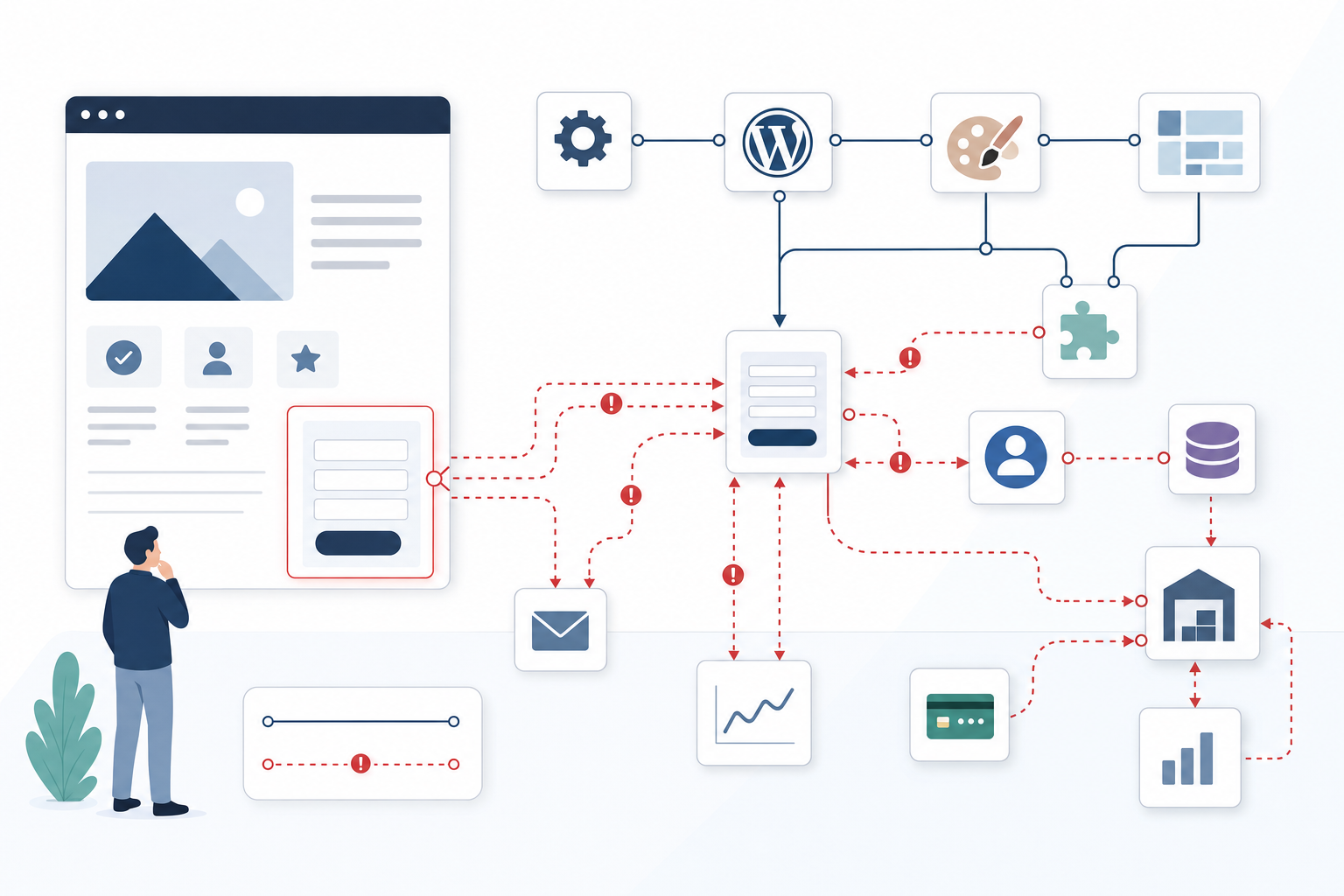
Imagine a content-rich WordPress website where visitor statistics look normal while the hosting provider reports high CPU usage, more database queries and growing traffic through the CDN layer. The server log shows requests for articles several years old, internal search, paginated archives and filter combinations that ordinary visitors almost never use. This is a hypothetical but typical troubleshooting scenario: the traffic exists, consumes resources and may affect the customer experience, yet is barely visible in Google Analytics or equivalent tools.
This is how we would approach the problem: start with the logs, distinguish verified search engines from identified AI crawlers and unknown scrapers, and then move the protection as close to the network edge as possible. The goal is not to stop every bot. The goal is to avoid paying for traffic with no business value without also shutting out search engines, monitoring services or integrations that the organisation actually needs.

Identify the load in server and CDN logs, not just web analytics
Standard web analytics often rely on JavaScript running in the visitor's browser. Many bots, however, retrieve HTML, documents and API responses without executing the analytics code. They can therefore consume bandwidth, launch PHP processes, place a load on the database and fill the cache without being recorded as a normal session. If decisions are based solely on web analytics, a large portion of the technical cost remains invisible.
The first place we look is therefore the access logs from the web server and CDN service. Relevant fields include the timestamp, IP address, user agent, path, query parameters, response code, cache status and amount of data transferred. The request pattern is at least as important as the bot's name: a client that methodically works through every page, every pagination step and every filter combination can create far more work than one that occasionally retrieves cached articles.
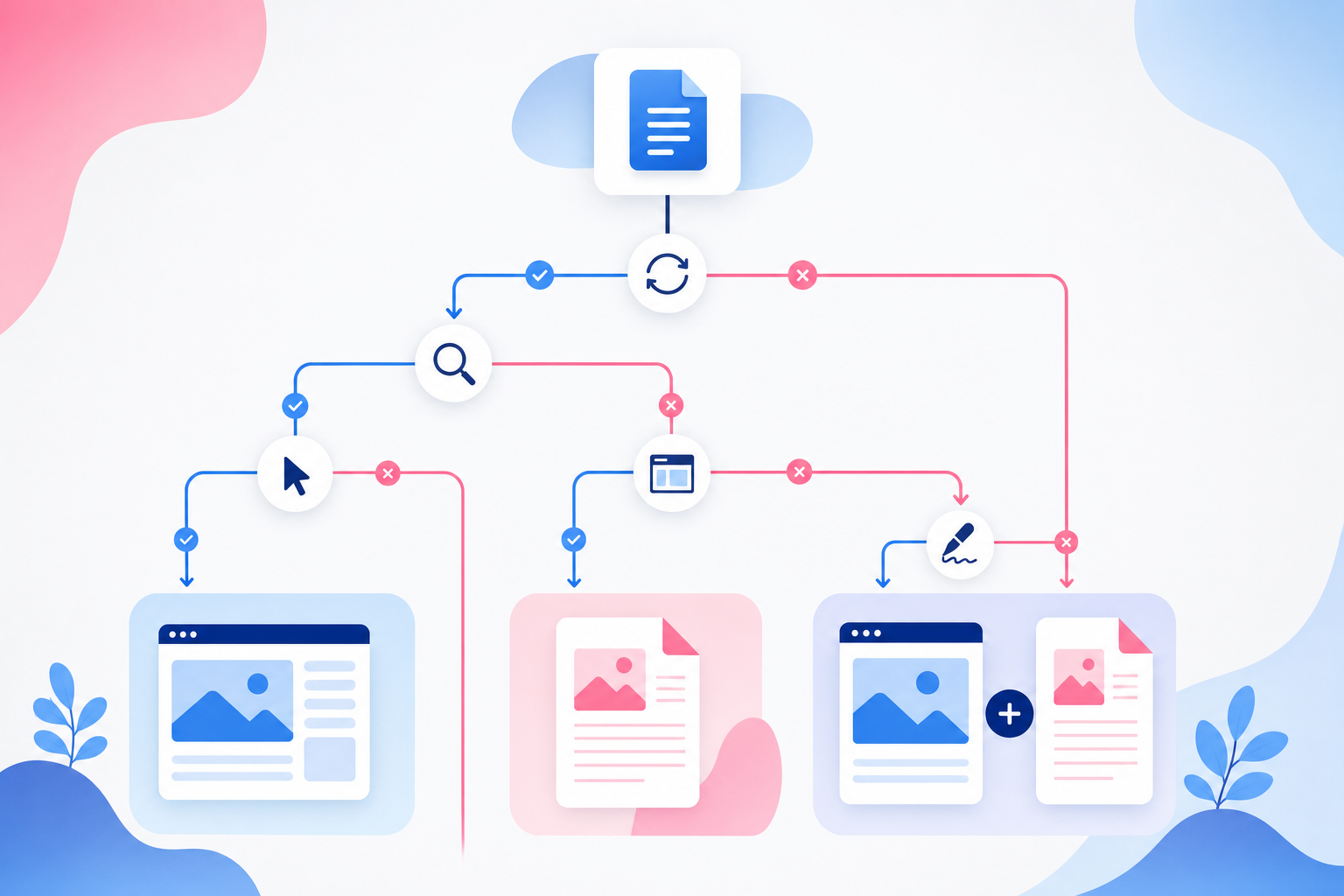
The difference between a cache HIT and a cache MISS is crucial. A cache hit can often be served directly from the CDN layer, while a cache miss is forwarded to the origin server—the web server or application behind the CDN service. On a WordPress website, such a request may launch PHP, load plugins, run database queries and build the entire page. The business consequences are higher operating costs, less capacity for real customers and more time spent on urgent troubleshooting.
A common pattern is for a bot to discover an internal search function or a filter with numerous possible parameters. Suppose, for example, that a directory can be filtered by location, category, date and sorting option. Each individual page may look legitimate, but the combinations create an enormous URL space that an aggressive crawler attempts to explore. Log analysis must therefore group traffic both by client and URL type rather than merely listing the website's most frequently requested pages.
Pay particular attention to internal search, filtered archives, pagination, previews, export functions, large documents and API requests. Even responses that appear small can be expensive if they require complex database queries. If the same client repeatedly causes cache misses for such resources, you have stronger grounds for restricting that specific behaviour than for blocking its access to ordinary cached information pages.
The user-agent field provides an initial clue, but it is not proof of identity. Anyone can enter Googlebot, GPTBot or another well-known name in their client. Before allowlisting a bot, compare its details with the operator's official verification method, such as published IP ranges or reverse and forward DNS checks. A client that merely claims to be a search engine should still be treated as unverified.
Tools such as GoAccess and AWStats can provide a quick overview of traditional access logs. In AWS, Azure or other cloud environments, the same analysis can be performed using log queries and dashboards. The choice of tool is less important than whether the results answer the right questions: which client is creating the workload, which URLs are driving it and how much of the traffic reaches the origin server?
Distinguish between search indexing, AI use and unidentified scraping
The word bot says almost nothing about the business value of the traffic. A verified Googlebot or Bingbot may help products, services and articles appear in search results. An identified AI crawler may collect content for training, search features or other AI services. An unknown headless client, meanwhile, could be anything from legitimate monitoring software to a scraper that changes its identity as soon as it is restricted.
Classification must therefore begin with two separate questions: who is the client, and what do you want it to be allowed to do? Even a verified search engine rarely needs to crawl internal search results, endless filter combinations or previews. Conversely, a company may want to allow a named AI crawler to access public knowledge articles but not document archives, APIs or expensive dynamic pages.
Googlebot, Bingbot, GPTBot and ClaudeBot should not be placed under the same rule simply because they are all automated clients. They have different operators, purposes and verification methods. Their business value may also vary between organisations: a content publisher may take a different view from an industrial company whose main objective is to keep its product pages indexed by traditional search engines. The policy should document the value you want to preserve, not just the traffic you want to eliminate.
Unknown clients require a more behaviour-based approach. A user agent that changes frequently, retrieves URLs in an unnatural order, ignores explicit instructions and generates numerous cache misses has a different risk profile from a verified search bot. At the same time, a short traffic spike should not automatically be treated as an attack. Corporate networks, NAT solutions and legitimate services may cause many users or processes to share the same IP address.
robots.txt has a role in this classification, but the file is a policy instruction for cooperative crawlers, not a firewall. Google Search Central explains how the robots protocol controls crawling, while actual access control requires other mechanisms. A bot that ignores the file must be stopped or restricted through the CDN, WAF, reverse proxy or application, although it is usually better to stop it before it reaches the application. Learn more in Google's introduction to robots.txt.

Block AI bots selectively instead of shutting out the entire traffic category
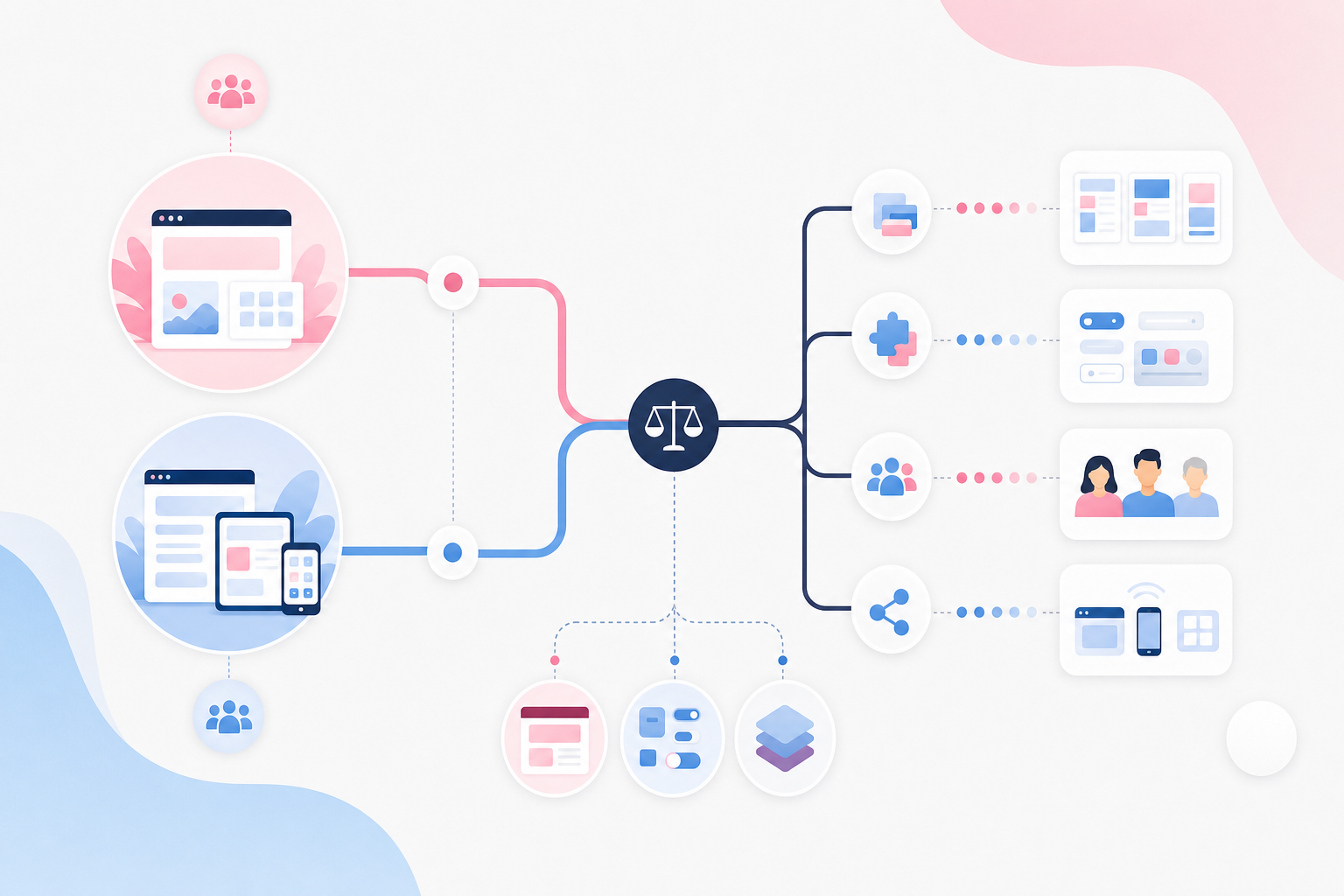
The decision is rarely binary. A verified bot can be allowed on cached article pages, rate limited on large documents and denied access to internal search. The same principle applies to AI crawlers: the action should reflect both the client's identity and the cost of the resource. This provides greater precision than a general rule targeting anything containing words such as bot or crawler.
The matrix below shows how this reasoning can be applied in practice. It is not a ready-made policy for every website, but a framework that must be linked to your own logs, business objectives and technical circumstances.
| Traffic type | Identifiability and business value | Typical cost risk | Suitable initial action | URLs to manage separately |
|---|---|---|---|---|
| Verified search engine | Highly identifiable and often provides clear value through organic visibility | Can be high for internal search, filters and endless pagination | Allow indexable content and restrict unnecessary dynamic areas with targeted rules | Search results, filter combinations, previews and session-dependent URLs |
| Identified AI crawler that you want to grant some access | Known operator and potential value, although the business must assess that value | Moderate or high if large archives are crawled quickly | Allow cached public pages and apply rate limits to more expensive resources | Documents, archives, APIs and pages involving resource-intensive database queries |
| Identified AI crawler with no desired value | Known identity but low priority for the company's visibility or customer acquisition | Unnecessary origin traffic, bandwidth use and cache consumption | State the policy in robots.txt and block at the network edge if the instruction is ignored | The entire website or clearly defined content areas, depending on the policy |
| Unknown or spoofed aggressive client | Difficult to identify and provides no demonstrated business value | High when the client rotates identities or targets dynamic URLs | Log and rate limit the traffic, then proceed to a challenge or blocking once the behaviour can be identified with sufficient confidence | Login, search, filters, APIs, exports and other resource-intensive endpoints |
Rate limiting is often the safer first step when the identity is known but the purpose does not justify a complete block. The HTTP response 429 Too Many Requests tells the client that it is sending too many requests, and the response can include Retry-After to indicate when it should try again. This follows the HTTP semantics described in MDN's documentation for status code 429. Not every bot respects the signal, but cooperative clients are given a clear opportunity to slow down.
A limit should not be based on intuition or a generic request count. Use the website's normal traffic patterns, the difference between cached and dynamic resources, and the behaviour of real users as your starting point. A limit for a public article archive may need to differ from one for internal search. Otherwise, a campaign, a corporate customer behind a shared IP address or a legitimate monitoring system may be affected by the same rule as a scraper.
Once the identity and behaviour have been established with sufficient confidence, blocking should occur close to the network edge. A rule in Cloudflare WAF, AWS WAF, Azure Web Application Firewall, Fastly or an equivalent service can stop the request before WordPress, React-based server rendering or a backend API begins processing it. Blocking through a CMS plugin happens later in the chain and may still activate the web server, PHP, plugins and database queries. You may therefore have blocked the page view without eliminating the cost.
Caching is also an important complement. If a crawler is allowed to access public content, repeated requests should, where appropriate, be served by the CDN or reverse proxy. Customer-specific responses, authenticated views and sensitive content must not be placed in a shared cache. Proper separation makes legitimate crawling less expensive while allowing costly and questionable patterns to be restricted more aggressively.

Understand the difference between robots.txt, logs and Cloudflare AI Crawl Control
These three types of tools address different parts of the problem. Logs show what actually happened: who requested which resource, what response was sent and whether the request reached the origin server. robots.txt states what cooperative crawlers are being asked to do. A WAF or CDN rule, by contrast, enforces a technical decision by allowing, restricting, challenging or blocking the traffic.
A robots file for AI bots can be a suitable first expression of the website's policy. Named crawlers can be given a Disallow directive for the entire website or specific paths. However, the file cannot guarantee that a client will follow the instruction, and it does not reduce the server load caused by a crawler that ignores it. The outcome must therefore always be checked in the access logs after a change.
Cloudflare AI Crawl Control is designed to provide visibility and control over traffic that Cloudflare classifies as AI-related. Depending on the current product configuration, the service can help you identify AI crawlers and apply policies at the network edge. This is useful, but the classification should still be connected to your own URL patterns and costs. A label identifying an AI bot does not automatically reveal whether the traffic is accessing inexpensive cached responses or costly database-driven searches.
More detailed control often requires standard WAF and rate-limiting rules alongside Cloudflare AI Crawl Control. For example, an identified crawler could be allowed on articles but restricted on filters, searches and documents. An unknown client can be assessed using its behaviour, response codes, request frequency and cache misses rather than a self-declared name. Always consult Cloudflare's latest product documentation, as features, terminology and available levels of control may change.
Actual blocking means that the request is technically rejected, for example by the CDN or WAF layer, before it can use application resources. This is different from writing a request in robots.txt. It is also different from merely hiding the traffic from reports. If the origin server continues to receive and process the requests, the cost problem has not been solved, even if the visits do not appear in web analytics.
Roll out rules gradually and confirm that SEO traffic can still get through
The most common methodological pitfall we see is activating a broad blocking rule before anyone has reviewed what it would affect. Start in logging or simulation mode if the platform supports it. An initial rule can be limited to a verified client and a resource-intensive URL group, or to a clearly aggressive pattern with a low risk of affecting legitimate visits. This makes it possible to understand the consequences before the rule begins denying traffic.
Search engine exceptions must be based on verified identity, not just the text in the user-agent field. Google describes how to verify Googlebot using DNS checks and published IP information in its official Googlebot verification documentation. Other operators may use different methods. Follow each provider's current documentation rather than applying the same assumption to every bot.
After activation, two perspectives must be monitored in parallel. The technical perspective covers origin traffic, cache hits, response codes, CPU load, database work and bandwidth. The SEO perspective covers search engine access, reported crawl problems, indexing signals and organic landings. A reduction in origin traffic is not a success if important product or service pages simultaneously become inaccessible to a search engine that delivers relevant visitors.
robots.txt and WAF rules should be reviewed separately. A correct robots file does not help if the CDN layer is already returning 403 Forbidden to a legitimate search bot. Similarly, a permissive WAF rule will not cause a cooperative crawler to ignore a Disallow directive. When troubleshooting access, you must examine the entire chain: DNS and CDN, WAF, reverse proxy, web server, CMS and the published robots file.
The documentation for each rule should be understandable even to someone who did not create it. Record its purpose, matching conditions, exceptions, who is responsible for monitoring it and how to roll it back. A quick rollback process reduces the risk of an error remaining in place while traffic and indexing deteriorate. It also makes it easier to test a cautious restriction without treating every change as permanent.
The SEO impact is not always immediately visible or contained in a single report. Logs should therefore show whether verified search bots can still access priority pages, while tools such as Google Search Console are used to monitor crawling and indexing signals. Organic landings provide additional business context but must be interpreted alongside seasonality, publishing activity and other changes. The most reliable evidence comes from several signals pointing in the same direction.

Criteria for deciding how to manage AI bots
Assess each bot according to its actual server load, identifiability and business value before introducing rules. The objective is to reduce unnecessary costs without obstructing legitimate search indexing or important parts of the website. These criteria work best as a shared basis for decisions among business stakeholders, SEO specialists and technical teams, because no single group can see the full consequences alone.
Verify the load in server and CDN logs
Use logs that show requests, URLs, response codes, transferred data, cache status and recurring traffic patterns. Web analytics are not enough because many bot requests never run the analytics script yet still consume server, database and CDN resources. The data should also distinguish between traffic served at the edge and traffic forwarded to the application, as the costs can differ significantly.
Signal: Make sure the evidence shows which bots and URL types are actually creating the load, not just what appears in web analytics. If the report lacks cache status or cannot distinguish dynamic requests from cached responses, it is probably too broad to support a blocking decision.
Classify the bot's purpose and identity
Distinguish between search engine indexing, identified AI services and unidentified scraping. Do not rely solely on the bot's name in the user-agent field, as it can be spoofed. Its identity must be verified using documented IP checks, DNS methods or other mechanisms provided by the bot operator.
Signal: Be cautious if all automated traffic is treated as a single category or if a user agent is accepted without verification. Such a model makes both allowlisting and blocking unreliable: scrapers may be allowed through while valuable search bots risk being stopped.
Match the action to the bot and content type
Choose between allowing, rate limiting and blocking based on the bot's value, behaviour and the resources it retrieves. Public information pages may require a different policy from search results, filtered archives, large files, APIs or URLs that generate resource-intensive database queries. This separation allows you to retain desired visibility without opening every resource to unrestricted crawling.
Signal: A good solution can apply separate rules for each verified bot, URL pattern and resource type instead of blocking the entire website. If the tool only offers an all-or-nothing option, investigate whether the controls can be moved to a more flexible WAF or reverse proxy.
Ensure that rules can be monitored and adjusted
The rules should provide clear logs showing what has been allowed, restricted and blocked, as well as which response code was sent. This makes it possible to detect misclassifications, changing bot patterns and whether the traffic is simply shifting to new identities or URLs. Without this feedback, you cannot tell whether the action reduced server workload or merely changed how the traffic is reported.
Signal: Check that every rule has a clear purpose, an owner and a simple way to roll back the change. An undocumented rule that nobody dares to change quickly becomes a risk to both operations and visibility.
Roll out protection gradually and monitor the SEO impact
Begin with visibility and cautious restrictions before implementing broad blocking. At the same time, monitor search engine access, indexing signals, organic landings and unexpected increases in blocked or failed requests. A targeted change is easier to evaluate and quicker to reverse if it affects the wrong traffic.
Signal: Be cautious if a provider proposes complete blocking without a trial period, exceptions for verified search bots and a plan to confirm that SEO traffic can still get through. A technically quick solution is not necessarily a safe business decision.
Start here: reduce bot load without harming valuable traffic
-
Identify which bots are actually placing a load on the server
Analyse the web server's access logs using GoAccess, AWStats or queries in services such as CloudWatch Logs, and group traffic by user agent, IP address, URL, response code, cache status and request pattern. Do not start by looking for a ready-made list of every AI crawler; it will quickly become incomplete and says nothing about what your server is actually paying for. Instead, look for clients that repeatedly access dynamic URLs, generate many cache misses or systematically work through large archives. Then compare each identity with the relevant operator's official verification method. The result should be a prioritised overview of bots and resource-intensive URL types, ensuring that search engines, monitoring services and legitimate integrations are not accidentally included in a blanket block.
-
Restrict aggressive requests at the website's edge
Implement rate limiting in Cloudflare WAF, AWS WAF, Azure Web Application Firewall or an equivalent service, starting with the URLs and traffic patterns identified by the log analysis. Use logging or simulation mode first where available so you can see which legitimate requests the rule would affect. The action can then progress gradually from recording to rate limiting, a challenge or blocking. Choose conditions that combine identity, behaviour and path rather than reacting to a single high traffic level. The desired outcome is for fewer unnecessary requests to reach the application and database, not merely for more error codes to appear in the report.
-
Manage known AI crawlers and verify their identity
Update robots.txt for named crawlers that you do not want to grant access, but treat the file as an instruction rather than technical protection. At the same time, document why each crawler is allowed or denied and which content areas the decision covers. Verify known bots according to the relevant provider's documentation, for example using reverse and forward DNS or published IP ranges where recommended. If an operator ignores the instructions, uses a misleading user agent or continues to generate costly origin traffic, the corresponding WAF rule can be tightened. This keeps policy, identity and actual enforcement aligned.
-
Cache expensive content where it is safe to do so
Enable and fine-tune caching in services such as Cloudflare, Fastly, Varnish or Nginx for public HTML pages, images and other frequently requested resources. Check which cookies and query parameters cause the cache to be bypassed, as a crawler could otherwise create nearly identical URLs that all reach the origin server. Authenticated views, customer-specific responses and sensitive content must be excluded from shared caches. For some searches, filters and API requests, rate limiting or blocking is still the right solution rather than a longer cache duration. With a well-designed policy, more legitimate requests can be served without requiring work from the CMS, application server or database.
-
Set alerts and monitor costs by traffic type
Create dashboards and alerts in Grafana, Datadog, CloudWatch or Azure Monitor for bot requests, cache hits, origin traffic, response codes, CPU load and bandwidth. Monitor developments after every rule change instead of waiting for the next unexpected invoice or performance spike. Reports should distinguish blocked traffic from traffic that still reaches the application and show whether verified search bots can access priority pages. Document permitted bots, blocked patterns, exceptions and the responsible person. This turns the next change in crawler behaviour into a manageable operational issue rather than an urgent cost surprise.
Start with logs and a narrowly targeted restriction instead of blocking all automated traffic. Once origin traffic is stable, you can gradually tighten the rules, improve the caching policy and decide which AI crawlers provide enough business value to remain allowed. An experienced team approaches the issue by combining log analysis, SEO monitoring and protection at the network edge, ensuring that the decision to block AI bots reduces costs without sacrificing important visibility.