An accessibility widget can give visitors additional display options without removing the website’s real barriers. Learn which vendor claims to scrutinise and which changes must be made to the underlying solution.
When a vendor displays a button for larger text, higher contrast and text-to-speech, an accessibility widget can make a website look complete. Yet keyboard users may still become trapped in the menu, while form fields may lack meaningful labels for people using screen readers. Since the Act on the Accessibility of Certain Products and Services began to apply on 28 June 2025, the quick solution has become even more tempting, although Digg’s guidance states that each organisation must assess which requirements apply to its own service. This article helps SME owners distinguish a useful addition from an expensive layer that leaves barriers, the risk of complaints and future rebuilding costs unresolved.

An accessibility widget can change the presentation without fixing the page structure
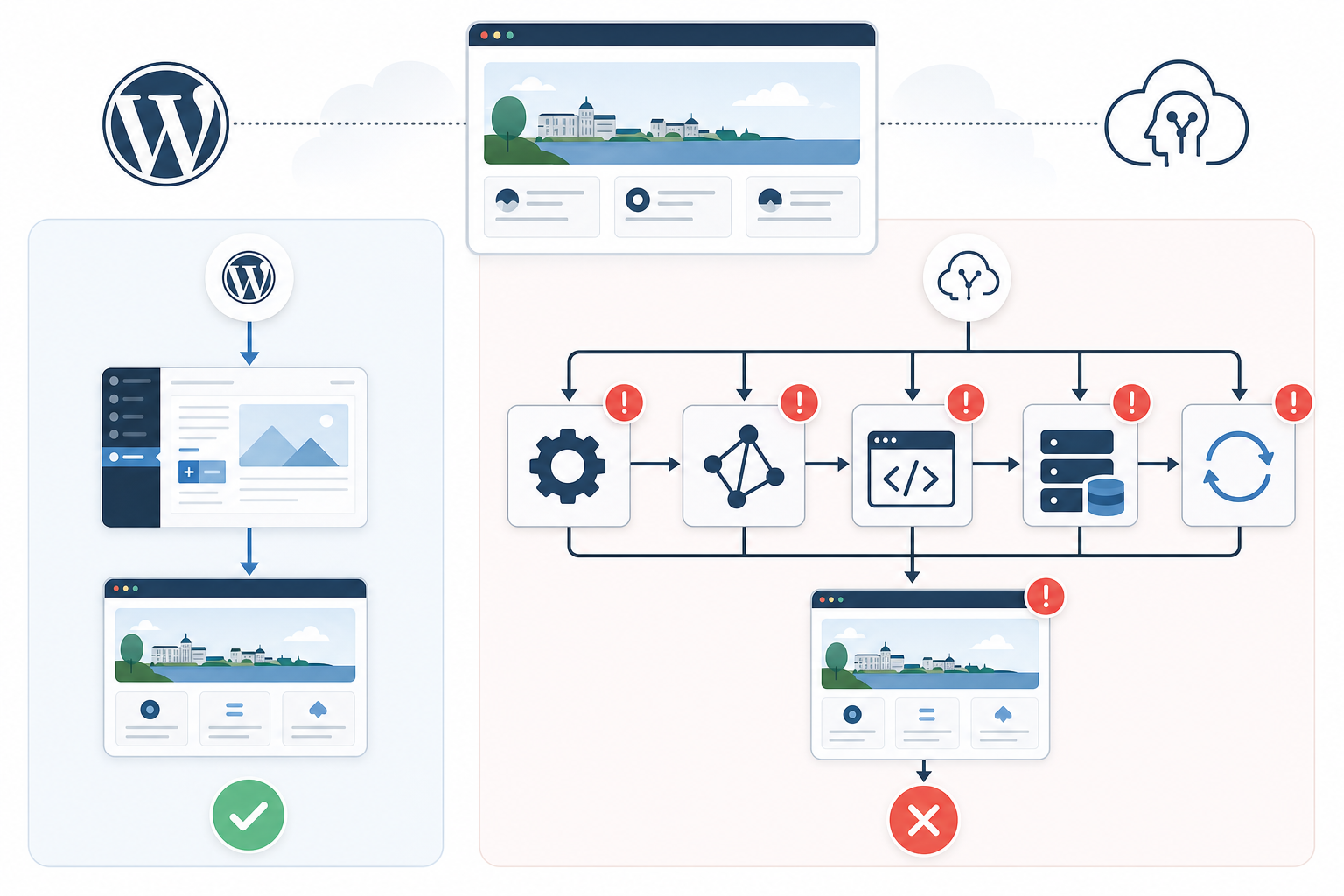
An accessibility widget usually operates on top of the existing page and can change colours, font size, line spacing or the appearance of the pointer without repairing the document structure underneath. These features can be valuable to visitors who prefer a particular display mode, but that benefit should not be confused with making navigation, forms and interactive components technically accessible.
Consider a contact form in which the email field contains only placeholder text: an accessibility overlay may try to guess an accessible name, meaning the name announced by assistive technology, but that guess may be unclear or disappear if the script fails to load. Automatically added ARIA attributes—metadata that describes roles and states to assistive technologies—can also create duplicate labels or incorrect roles because the software cannot reliably determine what the developer intended.
The sustainable fix is a correctly associated <label> in the HTML, combined with a base interface that works with browser zoom and has sufficient contrast from the outset; W3C describes WCAG as a set of verifiable criteria covering the entire content and user experience, not as an effect that can be added with a button.
Test the underlying website with the widget disabled—and use real workflows
The first thing we examine is whether the website’s essential functions work when the widget’s script is blocked in the browser or disabled in a test environment. The review should follow real tasks: opening the navigation, enlarging the page, understanding an error message, submitting a form, signing in or completing a purchase.
Tab through each workflow and check that the focus indicator is visible, follows a logical order and does not become trapped behind a menu, modal dialog or cookie banner. In the browser’s accessibility tree—the view showing what assistive technologies can perceive—buttons should be exposed as buttons, fields should have names and headings should describe the page structure; WCAG tools such as axe DevTools, WAVE and Lighthouse can identify certain label, link and contrast issues, but they cannot determine whether instructions or alternative text are genuinely understandable.
If the barrier returns as soon as the overlay fails to load, the underlying problem remains on the website. Comparing the enabled and disabled states reveals whether the vendor has fixed the source or merely masked the symptom.

Myths about accessibility widgets
The myth: The widget makes the website accessible
Many people believe: Once an accessibility widget has been installed, the website’s accessibility problems have been solved.
The reality: The widget can change contrast, text size or the pointer, but it does not normally fix heading hierarchy, form labels, link text or keyboard controls. The English search phrase accessibility overlays are bad reflects genuine criticism, but it is also too categorical: display features can be useful options, while claims of automatic remediation are the real problem. Disable the widget and inspect the underlying page’s HTML using a tool such as axe DevTools or WAVE.
The myth: Automation understands the page content
Many people believe: The widget’s AI can interpret the page and give every element the correct semantics without human assessment.
The reality: Automation can detect patterns and infer certain properties, but it cannot reliably determine an image’s communicative purpose, the correct heading level or the instructions a user needs after a form error. A product image, a decorative image and a chart are all technically images, but they require descriptions that serve entirely different purposes. Incorrect AI-generated alternative text can therefore create more noise instead of improving understanding.
The myth: Passing a test means the website works
Many people believe: If an automated test reports no errors, visitors can complete the website’s most important tasks.
The reality: Automated tests primarily assess issues that can be identified by software and often miss illogical focus order, incomprehensible error messages and dialog boxes that cannot be closed. A passing result also does not show that a user can complete several connected steps. Test searching, signing in, submitting forms and making payments using only a keyboard and with the widget disabled.
The myth: Screen reader users always benefit
Many people believe: An accessibility widget automatically improves the experience for everyone who uses a screen reader.
The reality: An additional layer of JavaScript and ARIA can create duplicate labels, conflicting roles or unexpected focus changes if the underlying code is already incorrect. The result becomes apparent only when someone tries to complete a task, not when the vendor demonstrates its control panel. Test real workflows using combinations such as NVDA and Firefox or VoiceOver and Safari.
The myth: A promise of compliance is enough
Many people believe: The vendor’s promise of WCAG compliance removes the need to change the website’s code, design and content.
The reality: Compliance must be linked to specific criteria, affected components and verifiable changes to the website itself. A sales document entitled accessibility overlay fact sheet may describe the product’s features, but it is not in itself proof that navigation, documents, forms and editorial content work properly. Require every change to be tested with the overlay disabled and ensure that the responsible role is identified.
Require a remediation plan for code, design and content—not just a promise of compliance
A reputable vendor should be able to explain which WCAG criteria have been reviewed, which issues will be fixed at the source and which areas still require editorial or manual work. A claim that a single script can make an entire website WCAG compliant is a warning sign, because compliance depends on the service’s code, content, interactions and ongoing publishing practices.
Ask for an audit matrix that links every issue to a page or component, the relevant criterion, the recommended source-level change, the responsible party and the verification method. The agreement should also explain what happens if the widget is blocked, stops loading, interferes with other assistive technologies or is removed, because contacting the organisation, making a booking or completing a purchase must not depend on an external remediation layer.
When making your website accessible, a reusable fix in a WordPress template, a React component library or a shared form system will have a greater impact than separate corrections on every page. A properly built menu or form component prevents the same barrier from being published again, reducing future development time and the risk of losing enquiries or purchases.

What this means for you
-
Require changes to the website’s code and content
Ask the vendor to show which underlying problems will actually be fixed, such as keyboard navigation, form errors, heading structure and alternative text. Ask specifically whether each change will be made in the HTML, CSS, JavaScript, design template or editorial content. If the answer focuses mainly on what the widget does after the page has loaded, you risk paying to solve the same problems again during the next rebuild.
-
Test with several methods—not just an automated scan
An automated analysis using axe, WAVE or Lighthouse provides a useful technical starting point, but the results must be combined with keyboard testing, browser zoom and screen readers such as VoiceOver or NVDA. The tools can indicate that a label is missing, while a manual review shows whether the label is understandable and whether the next step can be reached. The complete user journey determines whether a customer can make contact, book or buy.
-
Turn accessibility into a prioritised action list
This is how we would approach the work: start with business-critical workflows such as contact forms, booking, purchasing and signing in, and add the barriers to the website’s regular backlog. Assign each task to a responsible person and define acceptance criteria based on the relevant WCAG requirements, including testing without the widget. Accessibility then becomes part of ongoing development rather than a competing side project, and the fixes remain in place as the design and features evolve.
-
Scrutinise the promise before buying a quick solution
Before signing an agreement, the vendor should explain which criteria the solution affects, what requires manual work and how the results will be verified independently of its own control panel. Be particularly sceptical of general claims about automatic compliance or guarantees that do not refer to specific pages and components. A well-considered proposal clearly distinguishes between temporary user settings, permanent source-level remediation and the ongoing maintenance needed to prevent new issues.
Accessibility becomes sustainable when it is built into design, code, content and ongoing maintenance. An experienced partner therefore starts with users’ most important workflows and the components causing the barriers, not with the visible button in the corner of the page. Treat any accessibility widget as no more than an additional option—never as proof that the website’s underlying problems have been solved.