Visitors who receive irrelevant results or no results at all often leave your website without contacting you. By analysing internal searches, you can prioritise the right content and decide whether to improve or replace your search function.
Imagine that ten people, on a completely hypothetical day, search for a product category that exists on your website. Some enter the official product name, others use an everyday synonym, and someone makes a spelling mistake. If your website search function only recognises the exact wording, the same content may be shown to one visitor but hidden from another. Someone who receives irrelevant results may leave the site, contact support or choose a competitor, even though you already offer the product or service. For a content-rich WordPress website, this is therefore not just a matter of usability, but of how effectively existing content is allowed to contribute to the business.
In 2026, visitors expect an internal search function to understand spelling variations, synonyms, product numbers and natural-language questions. The problem is that, without the right configuration, GA4 may record a visit to the results page as just another page view without showing whether the search returned zero results, whether the results were unusable or whether the visitor clicked through. The reports may then appear relatively normal even though products, documents and services are difficult to find in practice. By connecting the search term, number of results and the user's subsequent clicks, you can distinguish a content problem from a relevance problem and identify a genuine need for a different search engine.
Is GA4 actually tracking WordPress searches?
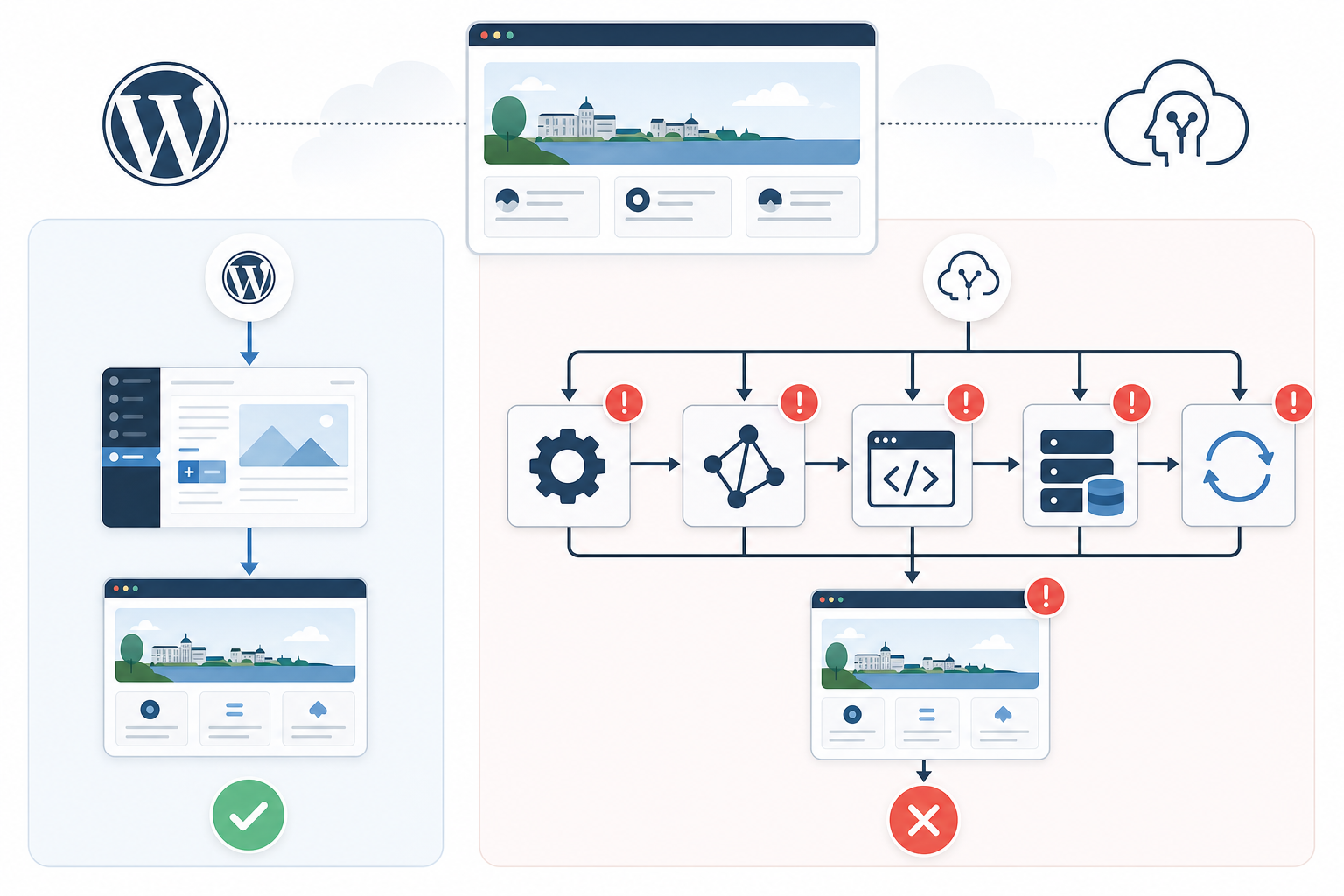
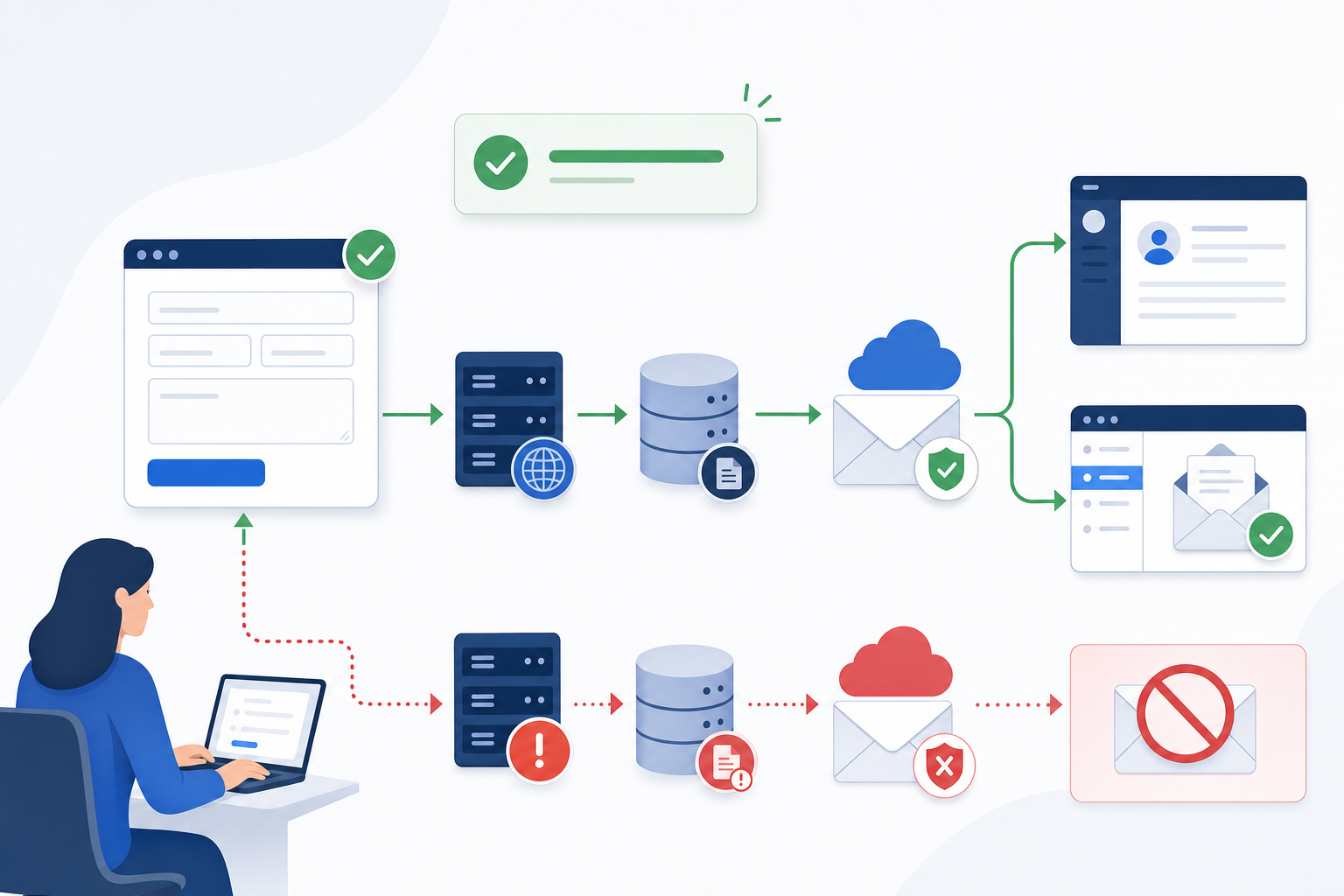
The default WordPress search normally uses the URL parameter ?s=, and according to Google's Enhanced Measurement documentation, GA4 can record this type of internal search as the view_search_results event with the search_term parameter. Perform a controlled test search in your browser while GA4 is running in debug mode, then use DebugView to confirm that the correct event and search term are actually being received. Search plugins, Ajax-based forms and custom results pages may otherwise use a different parameter or bypass the standard results page.
However, a visible view_search_results event only confirms that a search was performed, not that the visitor received a useful answer. The results page should therefore send data such as search_results_count and a separate search_no_results event, while a click on a result can be recorded as search_result_click together with the search term, result URL and position.
Parameters that need to be available in GA4 analyses must be registered as event-scoped custom dimensions, but filtering must take place before the data is sent. Search fields may contain names, email addresses or other personal data that Google's policy prohibits from being collected in Analytics.

Zero results are only one of three clear warning signs
The analysis only becomes useful when searches are divided into three behaviours: no results, results without clicks, and a result click followed by a new or reformulated search. A zero-result search for something that actually exists on the website often indicates that the engine does not handle inflections, synonyms, product numbers, custom fields or taxonomies. This means that adding more editorial content will not necessarily solve the problem.
If the results page contains matches but none receives a subsequent click, you should instead review the headings, excerpts and sorting. A correct page far down the list points to weak ranking, while a completely missing page suggests a problem with indexing or content metadata. The sequence view_search_results → search_result_click → view_search_results is particularly revealing when the final search term expresses the same need in different words, as the visitor probably did not get the information they needed from the first result.
You should therefore group search phrases by intent rather than reviewing each variation in isolation. service agreement, maintenance agreement and support after purchase may represent the same business need and, together, reveal whether the language used on your website differs from your customers' language.

Improve or replace your website search based on the type of problem
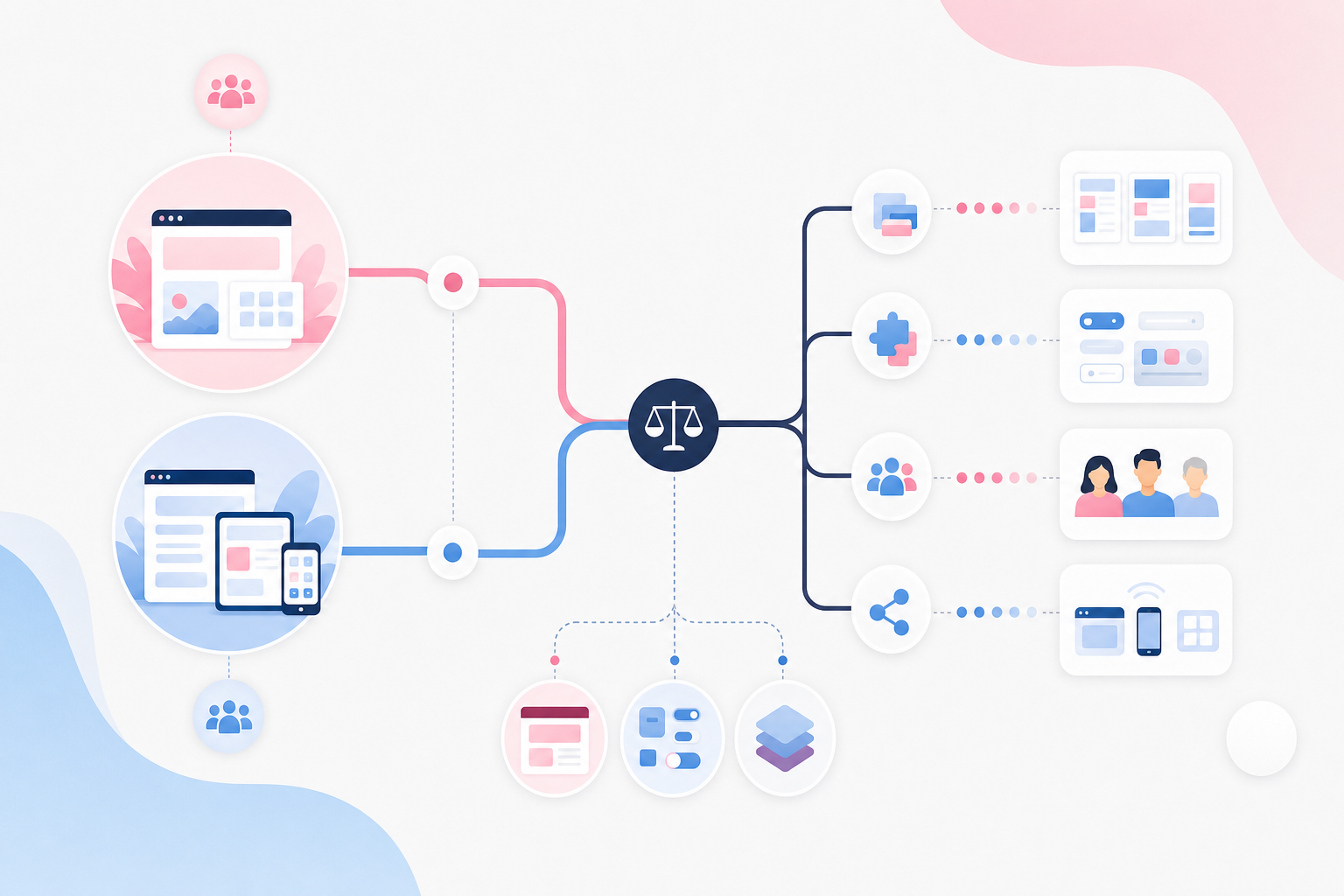
The choice is not automatically between accepting the default WordPress search and purchasing an entirely separate search platform. When problems can be linked to missing content fields, synonyms, spelling variations or a difficult-to-interpret results list, it is often possible to retain the website's current structure and improve the search logic itself.
A limited test may include indexing relevant custom fields and taxonomies, adding clear content-type labels and synonym rules, and giving higher priority to exact matches in titles, product names and product numbers. Replacing the search solution becomes more justified when the organisation needs advanced relevance controls, consistent language handling, fast searches across large and varied data sets, or connections to multiple sources outside WordPress.
Faceted search is a strong example. If a query can return documents, products and guides in several languages, visitors may need to filter by document type, product category, language or publication year. In that situation, a new sorting rule is rarely sufficient. Whatever solution you choose, test the new version using the same search terms and event model as the old one. This allows you to evaluate zero results, result clicks, reformulations and clicked positions instead of making a decision based on a vendor's feature list.
The criteria that determine which search solution you need
First determine whether the problem lies in the measurement, the content or the search engine itself. This prevents you from replacing WordPress search when a simpler adjustment could have solved your customers' problems. The criteria below also help you define clear requirements if a new solution is genuinely needed.
Verify that GA4 is recording real searches
GA4 does not automatically track every variation of internal WordPress search correctly. A form may submit the query through a different URL parameter, use Ajax without loading a new page or pass through a plugin that changes the normal flow. You should therefore perform your own test searches using known terms and follow them in DebugView from form submission to received event. Also confirm that the reported term matches what was entered and that zero-result searches are not being mixed with regular results pages.
Warning sign: Be cautious if a vendor draws conclusions from existing GA4 reports without first performing and verifying their own test searches.
Distinguish zero results, weak relevance and repeated searches
Zero results show that the search engine did not present any matches, while a full results list without clicks more often points to ranking, headings or unclear excerpts. When someone clicks and then searches again, the page they visited between those actions must also be reviewed, as the result may have appeared relevant by name but provided insufficient content. If several reformulations express the same intent, terminology, filters or product structure may be the real bottleneck. Evaluate the entire journey rather than using search volume as a standalone measure of quality.
Warning sign: Check that the analysis follows the query, results, click, reformulation and any abandoned session.
Test whether the default search can be improved before replacing it
A WordPress search function may be sufficient when the main problems involve missing synonyms, incorrect content types, poor titles or material that is not included in the index. Build a limited test that uses several familiar problem queries before and after changing the search scope, metadata, weighting and result presentation. This makes it clear whether the correct page is missing entirely or is simply ranked too low. Such a test reduces the risk of implementing a new platform while carrying over the same content and metadata problems.
Warning sign: A good solution partner can explain which problems can be corrected in the existing search and which genuinely require a different search engine.
Require features that match the identified problem
Advanced relevance controls help when different fields need to be weighted according to business value, while spelling support and synonyms address language variations. Facets are only necessary when users benefit from narrowing down a large and varied set of results, and searching across multiple data sources is relevant when the information genuinely exists outside WordPress. Every additional feature requires configuration, testing and ongoing management. Do not choose a more comprehensive platform than your organisation can maintain and improve.
Warning sign: Be cautious if an option is sold as a general upgrade without connecting each key feature to an observed search problem.
Assess how the solution can be monitored and improved
A search engine is not finished simply because it has been installed. Someone needs to review common queries, zero-result searches, selected results and recurring reformulations, then decide when a synonym, priority adjustment or new landing page is needed. Responsibilities should cover both technology and content, as developers can adjust indexing while the editorial team is better placed to assess what answer the customer expects. If every relevance change requires a major development project, improvement work may stop once the initial launch is complete.
Warning sign: Check that you receive useful search data and can change key relevance rules through a reasonable management process.

Start here: fix your search in the right order
-
Log search queries and searches with no results
Open the web data stream in GA4, enable site search under Enhanced Measurement and confirm that the
sparameter is captured assearch_term. Then perform your own searches, including one that should return results, one that should return zero results and one containing a harmless spelling variation, and follow the events in DebugView. If the website needs a supplementary local report, Search Meter can be used to log WordPress searches, but access, retention periods and personal data risks must be managed in the same way as for other analytics data. The goal is a reliable foundation that reveals requested topics and recurring dead ends without collecting names, email addresses or other sensitive values. -
Replace the default WordPress search with relevance-based search
Install Relevanssi or SearchWP in a test environment and explicitly select which post types, categories, custom fields and documents should be included in the index. Give page titles, product names and exact phrases greater weight than general body copy when this reflects how customers search, but avoid prioritising commercial pages so aggressively that informational answers disappear. Run the same set of queries before and after the change and document which page appears first, along with the relevant alternatives that follow it. The test should show that the right content has become easier to find, not merely that the results page looks different.
-
Address the most important zero-result and failed searches
Review data from GA4, Search Meter or SearchWP Metrics every week and group terms by shared intent, spelling variations and missing answers. If the content exists but cannot be found, you can add synonyms, improve metadata, index the correct fields or refine the title and excerpt. If a relevant answer is genuinely missing, update an existing landing page or create new content based on a clear user need rather than every individual typo. Prioritise queries related to important products, services and support issues, as improvements in these areas can reduce both lost business opportunities and unnecessary manual work.
-
Make the search box visible and provide support as visitors type
Place the search field prominently in the header and on pages where the volume of content makes standard navigation slow. SearchWP Live Ajax Search can provide suggestions while visitors type, but the suggestions must follow the same relevance principles as the full results page to avoid creating another dead end. Display the content type, a clear heading and an excerpt that explains why the result is relevant. When the result set includes products, documents and guides, for example, a limited number of category filters can help users identify the right path without making the interface unnecessarily complex.
-
Introduce recurring relevance tests before publication
Create a stable test list containing the organisation's most important customer queries, common synonyms, product numbers and several known misspellings. Run the list in a staging environment, using a tool such as WP Staging, before major content changes, plugin updates or adjustments to the search index. Document the expected top result, actual top result and any zero-result searches in a shared spreadsheet so that both marketing and technical teams can see what has changed. This routine makes deterioration visible before it reaches visitors while creating an objective basis for future investment in search.
Start with data collection and the relevance engine before investing time in major design changes. When search queries are reviewed regularly, your website search function becomes both a navigation tool and a practical source of insights for decisions about content, products and customer needs. An experienced team approaches the work in the same order: verified measurement first, targeted relevance improvements second and only then, if necessary, a change of search engine.